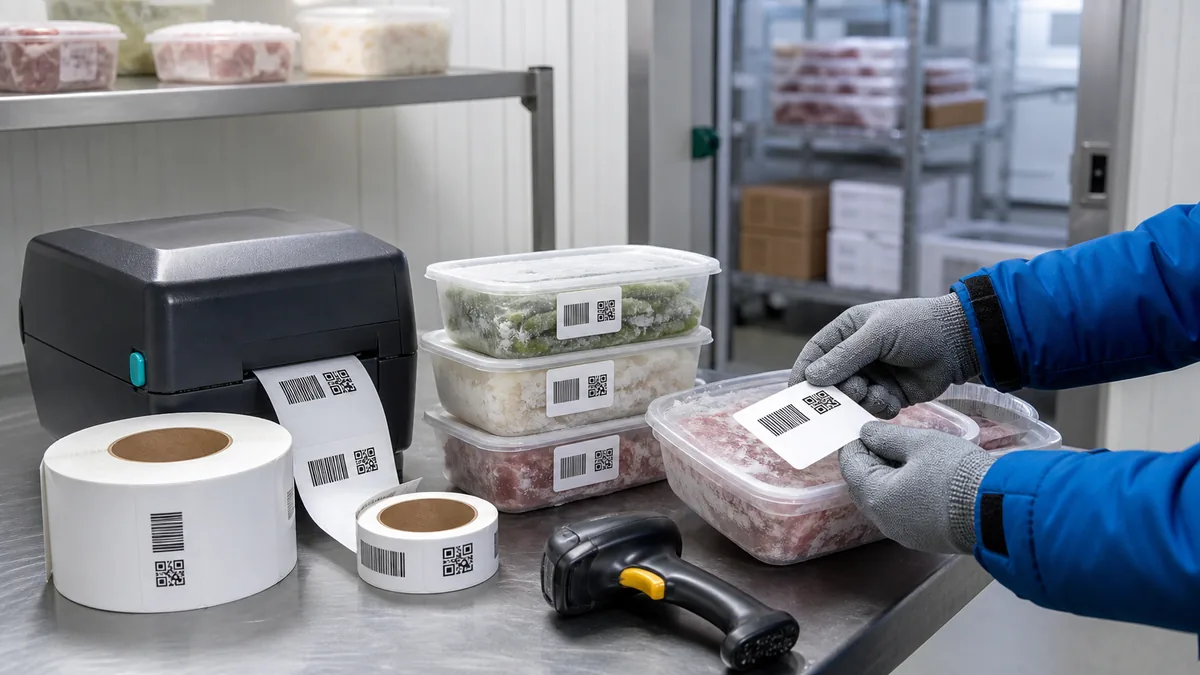
Freezer barcode labels often fail after they leave the warm desk where they were printed. The code looked clean, but the adhesive lifted on a cold tub, condensation softened the print, frost covered the quiet zone, or the scanner could not read the label through a plastic lid.
The practical fix is to plan the whole cold-storage path before printing. Choose the exact value to encode, keep a readable fallback, match the label stock to the surface and temperature, protect the scan area, and test a few labels after they have been chilled and handled.
Start with the cold-storage workflow
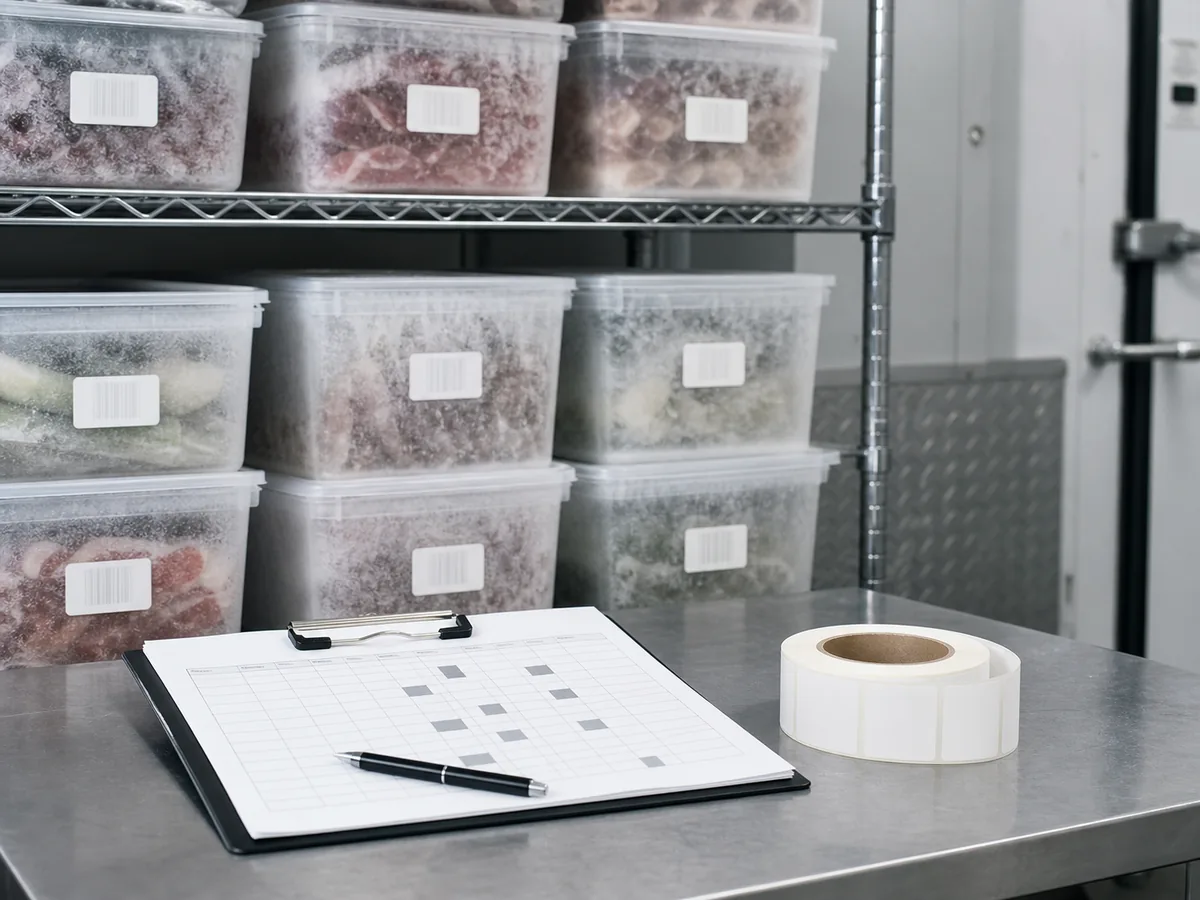
A freezer label links a physical container, shelf, sample, meal tray, tote, or asset to the record your team needs later. Define where the label is applied, how long it must stay readable, and who scans it before you choose a material.
| Workflow | Label should identify | Useful visible fields |
|---|---|---|
| Prepared food bins | One recipe batch or prep batch in a freezer or cooler. | Batch code, item name, pack date, use-by date. |
| Lab samples | One sample tube, box, rack, or retained specimen. | Sample ID, date, owner, storage location. |
| Clinic or school meals | One packed meal, tray, carton, or delivery route. | Meal code, route, allergen note when required. |
| Cold-room inventory | One shelf location, tote, carton, or asset. | Location ID, SKU, quantity, status. |
Build the data before the design
Cold labels are hard to fix after application, so protect the data first. Treat IDs such as FRZ-000482, LOT-20260530-A, and SAMPLE-001936 as text. Do not let a spreadsheet remove leading zeroes, round long identifiers, or rewrite dates into a format another system cannot read.
| Column | Example | Use |
|---|---|---|
BarcodeValue | FRZ-000482 | Exact value encoded in the barcode or QR code. |
ReadableID | FRZ-000482 | Human-readable fallback near the code. |
ItemName | Blueberry puree | Short context for the person applying the label. |
StorageLocation | Freezer-2 / Shelf-B | Starting freezer, shelf, bin, or rack. |
QtyToPrint | 18 | Number of labels needed for that row. |
If the visible label uses a friendly name but the barcode must scan into an inventory system, keep those as separate columns. The readable text can help people; the encoded value should stay exact.
Choose stock, adhesive, and print method
Do not choose label material from the screen preview. Supplier spec sheets often separate application temperature from service temperature. A label may survive low storage temperatures after it bonds, but still need a clean, dry, warmer surface during application. Check the actual stock data sheet before calling any label freezer safe.
For print durability, match the method to the exposure. Zebra explains that direct thermal labels suit many shorter-life applications, while thermal transfer with suitable media is used when labels face moisture, abrasion, cold storage, or longer life: direct thermal vs thermal transfer printing.
Direct thermal may be enough when labels are used quickly and kept away from abrasion, heat, and chemicals.
Consider thermal transfer, synthetic stock, and an adhesive specified for the target temperature range.
Test the exact container shape. A small tube, bag, or frosty lid can wrinkle a code that looked fine flat.
Protect the scan area
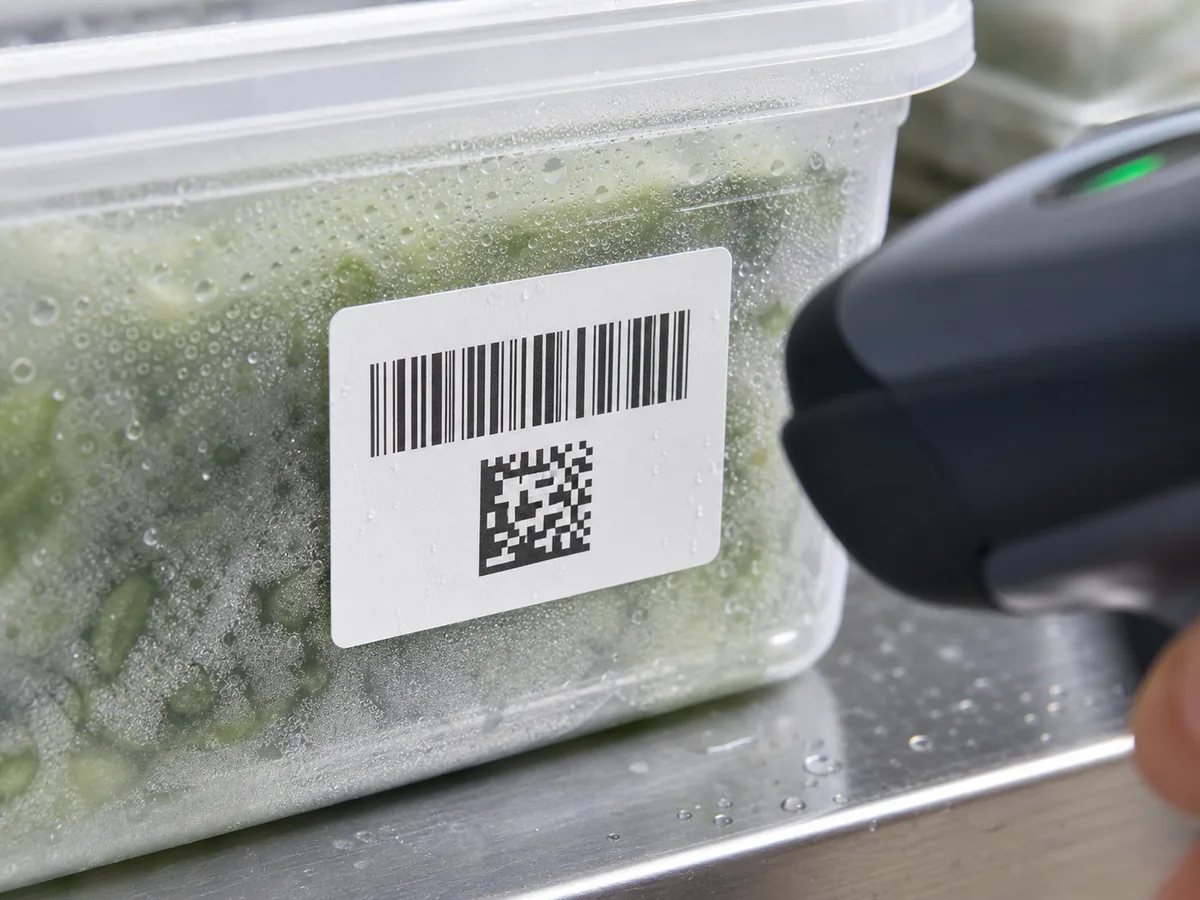
Cold-storage labels need extra tolerance. Moisture, frost, gloves, and curved containers can crowd the code or change the contrast. GS1 lists quiet zones, contrast, colour choice, symbol size, barcode height, packaging obstruction, deterioration, and positioning among common barcode quality checks: GS1 barcode quality checks.
Scan-area checks
- doneQuiet zoneLeave clear white space around the code. Add extra margin when sheet drift or hand application is likely.
- doneContrastUse dark bars or modules on a light background. Avoid coloured stock that lowers contrast.
- doneSizeRegenerate the barcode at the intended size instead of stretching a saved image.
- donePlacementKeep the code away from lid seams, corners, ridges, wrinkles, and frost-prone edges.
- doneReadable fallbackPrint a short ID near the code so the team can recover when a label is damaged.
Test in the actual cold path
A desk scan is only the first check. Apply labels to the real container, cool them the same way the team will, handle them with gloves, bring one through condensation, and scan from the normal distance and angle. Test labels near the start, middle, and end of a sheet or roll to catch alignment drift.
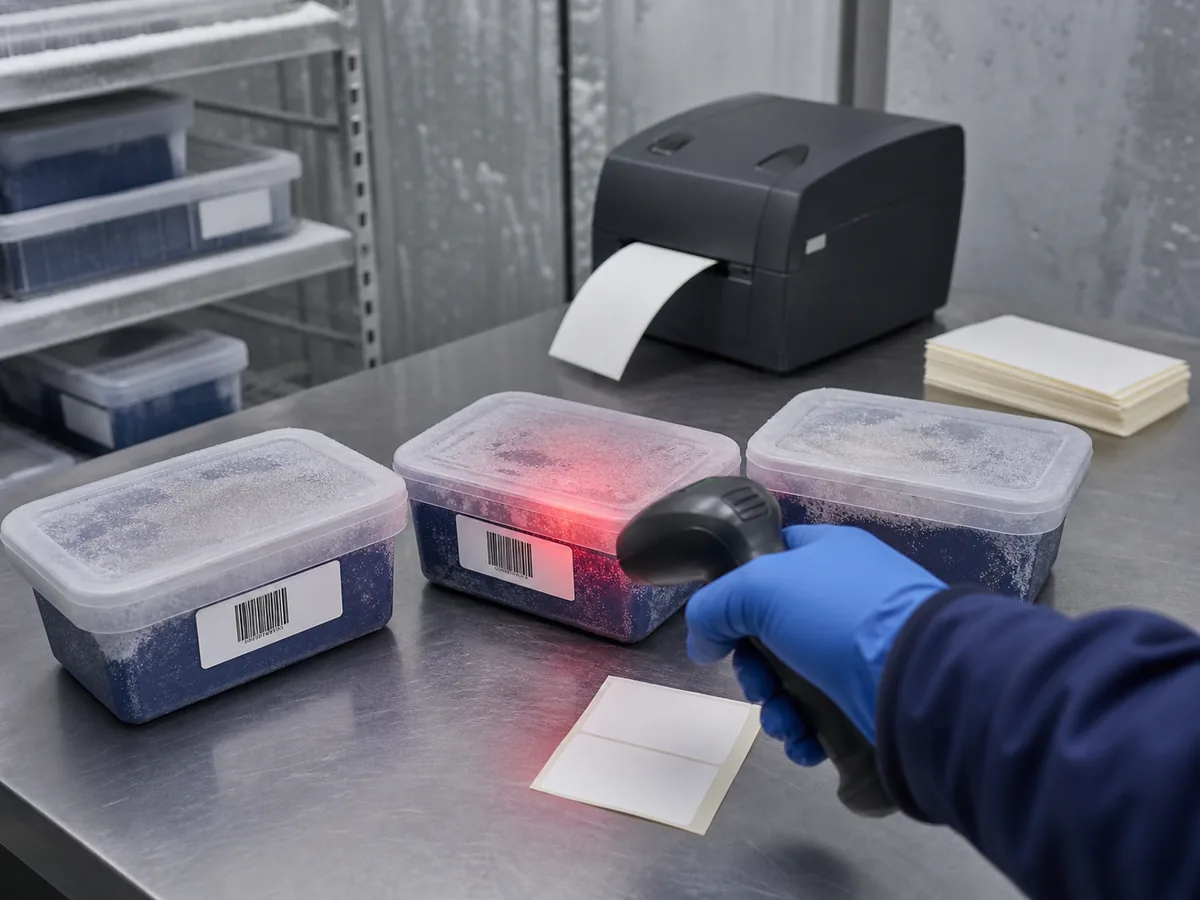
- Scan with the same phone or scanner model the team will use.
- Check one label immediately after printing and another after it has been cold for the expected time.
- Rub one sample lightly with a gloved thumb to see whether the print smears or scratches.
- Try the label on the smallest or most curved container in the workflow.
- Record the printer, stock, ribbon, darkness, speed, and template that passed.
Control reprints and replacements
Freezer labels are often reprinted because a container changes status, a date was corrected, a label tore during application, or a sample moved to a new location. Decide whether a reprint keeps the same barcode value or creates a replacement record. If two labels with the same ID can exist, the team needs a rule for which one is valid.
Choose one freezer workflow, prepare 5 rows of real data, print 3 to 5 sample labels on the intended stock, and scan them after they have been applied and chilled.