
Data first
Prepare SKUs, asset IDs, batches, and spreadsheet columns before designing the label.
Practical guides for barcode labels, QR codes, inventory tags, spreadsheet imports, and print-ready layouts.
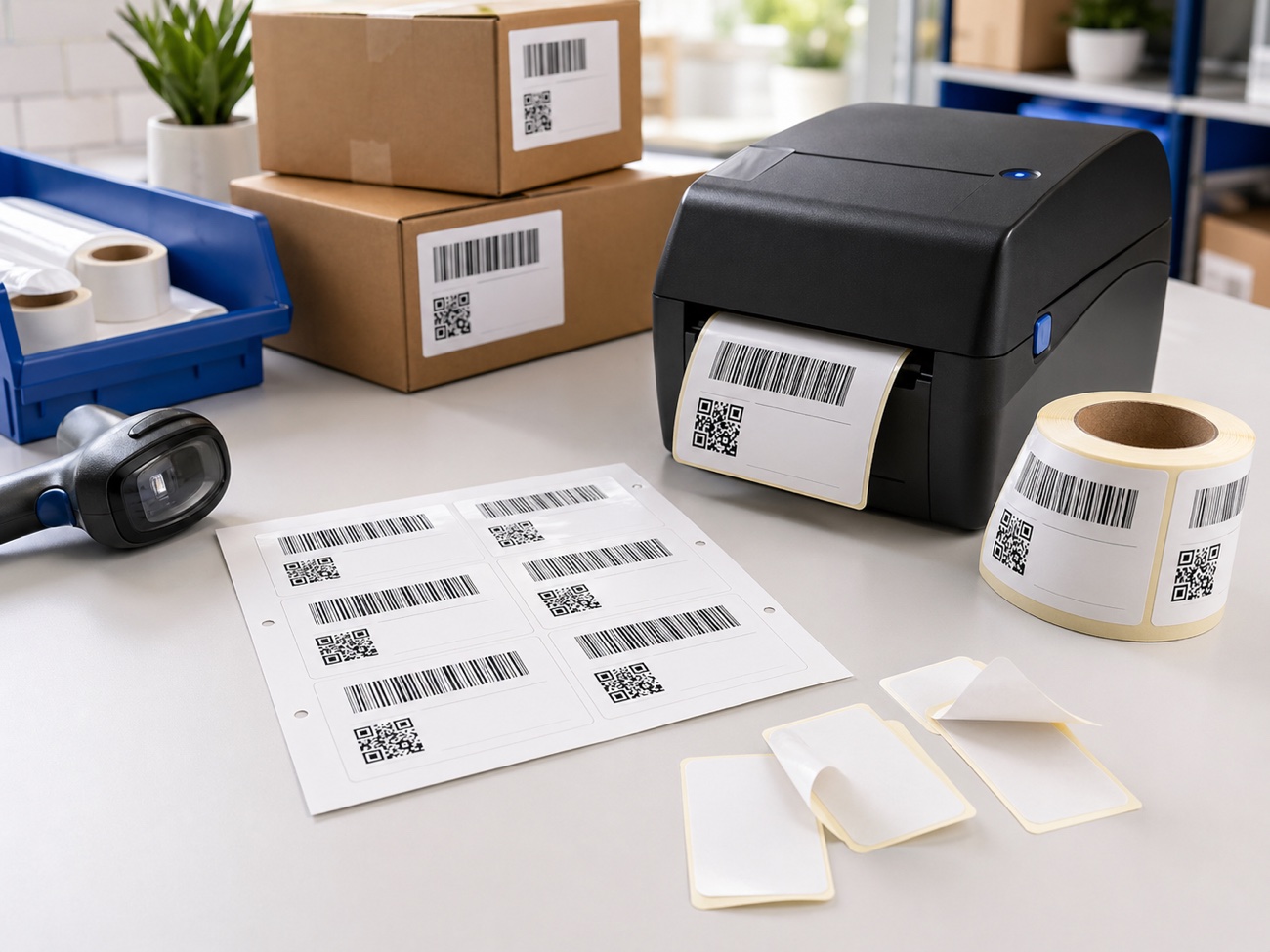
The blog is organized by the real decisions teams make before labels reach a shelf, box, asset, or printer.
Prepare SKUs, asset IDs, batches, and spreadsheet columns before designing the label.
Choose the right barcode or QR format, size it correctly, and leave enough quiet space.
Match layouts to label stock, printer behavior, and the way labels are applied in the field.
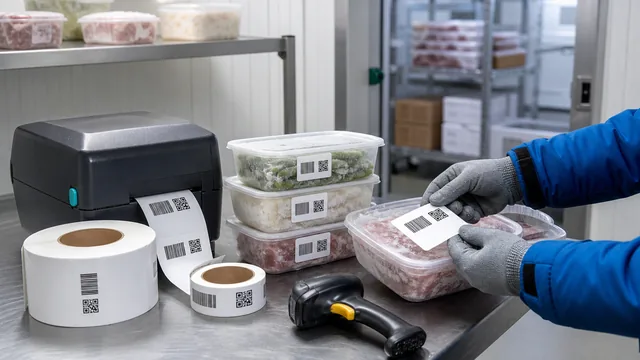
Cold storage labels fail when data, adhesive, moisture, and scan conditions are treated as afterthoughts. Plan the full path before printing.
Filter articles by the part of the labeling process you are working on.
New practical notes from the Label Codes team.
Cold storage labels fail when data, adhesive, moisture, and scan conditions are treated as afterthoughts. Plan the full path before printing.
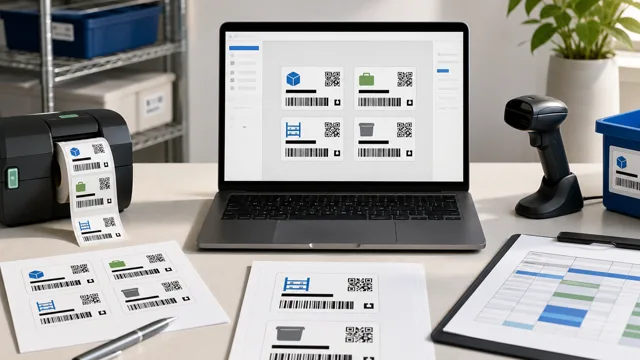
A reusable template keeps every batch from becoming a new design project. Define the data, layout, stock, and test checks once.
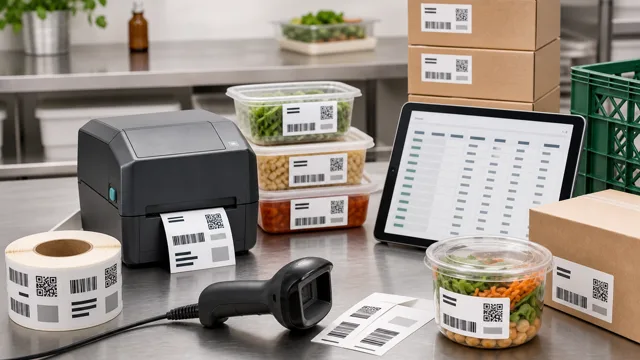
Food batch labels work best when the lot code is planned before design. Define the value, protect the spreadsheet, then print and scan a sample.
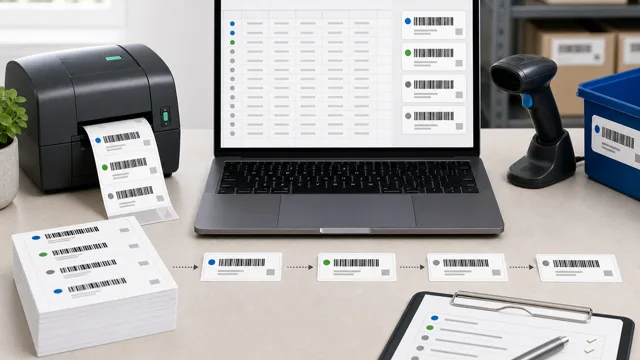
Unique labels start before design. Define the ID pattern, protect the spreadsheet values, then test the printed serial labels.
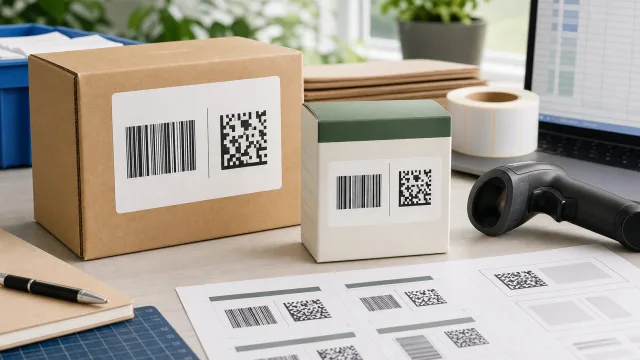
The right GS1 barcode depends on where the label is scanned, what data it must carry, and whether partners are ready for 2D.
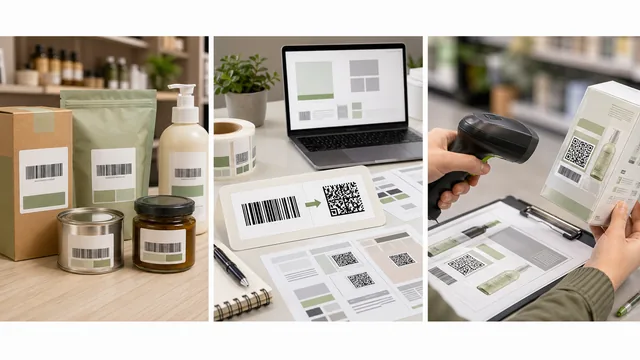
Sunrise 2027 is about retail systems becoming ready for 2D barcodes, not an instant end to every UPC label.
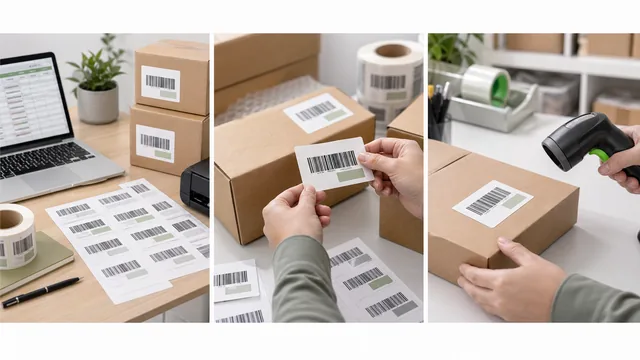
Before printing FNSKU labels, verify the current Seller Central workflow, barcode value, product match, placement, and coverage rules.

A SKU, UPC, GTIN, ASIN, and FNSKU are not interchangeable. Know which identifier your label should carry before printing.
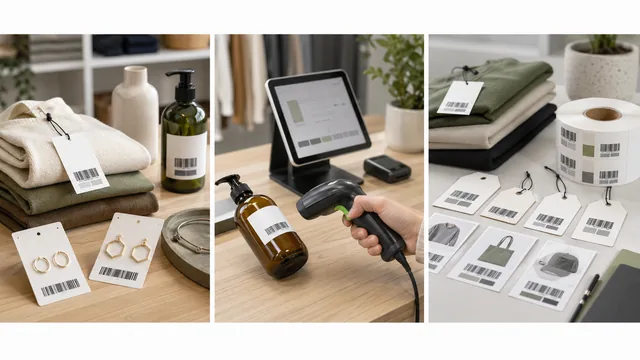
Retail labels need to match the POS record, the product variant, and the price at checkout. Start with the data before styling the tag.
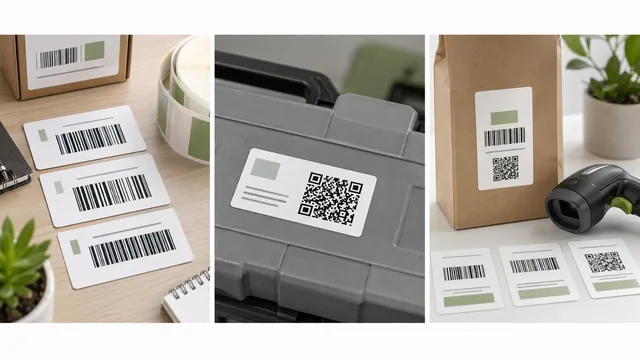
Pick the barcode format from the scan workflow first. Internal IDs, retail product IDs, and QR links solve different label problems.
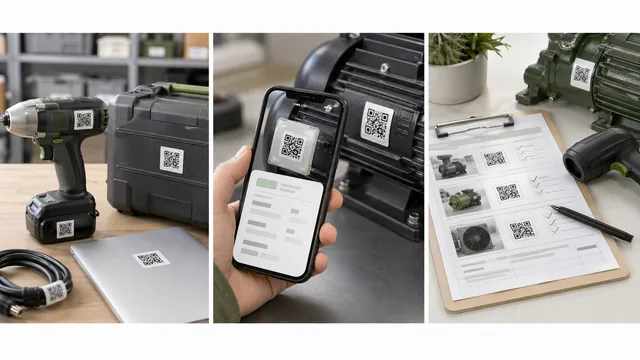
QR labels work best when they point to a stable record and still show a readable fallback ID for everyday work.
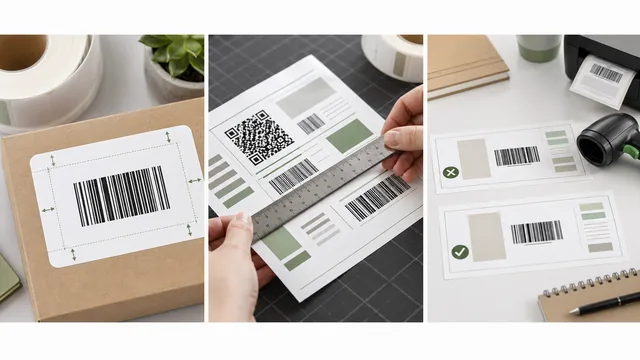
A barcode needs quiet space as much as it needs dark bars. Protect that clear area before adding extra text or decoration.
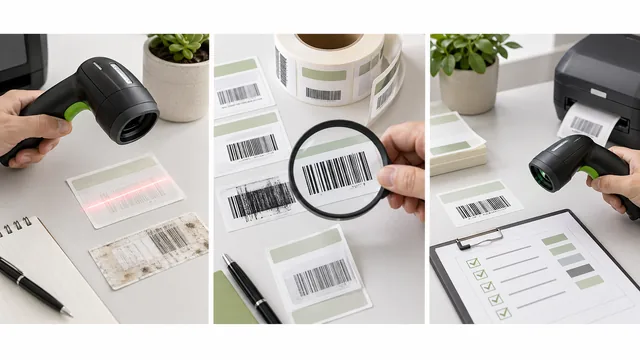
Do not reprint the whole batch first. Check the encoded value, quiet zone, contrast, size, print settings, and scanner format support.
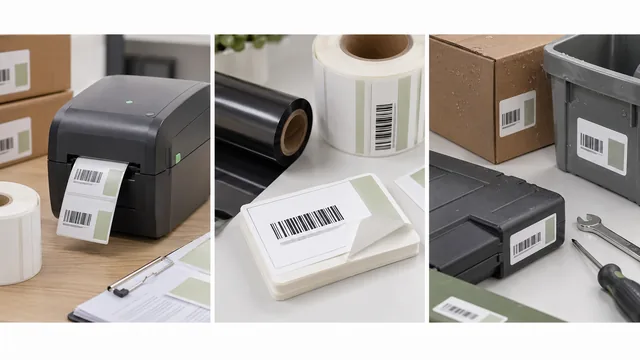
Direct thermal is simple for short-life labels. Thermal transfer is better when barcode labels need durability, heat resistance, or longer life.
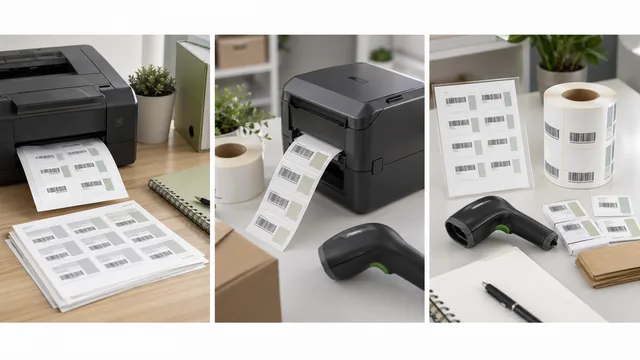
Sheets are good for small, occasional batches. Thermal rolls become easier when barcode labels are frequent, repeated, or operationally critical.
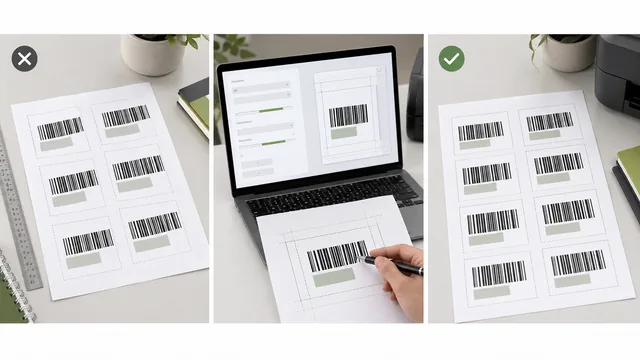
Misaligned barcode labels usually come from template mismatch, print scaling, paper size, feed path, or margin adjustments made too early.
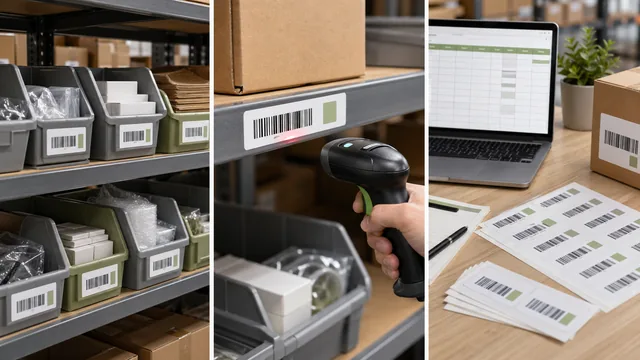
A good warehouse bin label gives each location one clear code that pickers can read and scan without guessing.
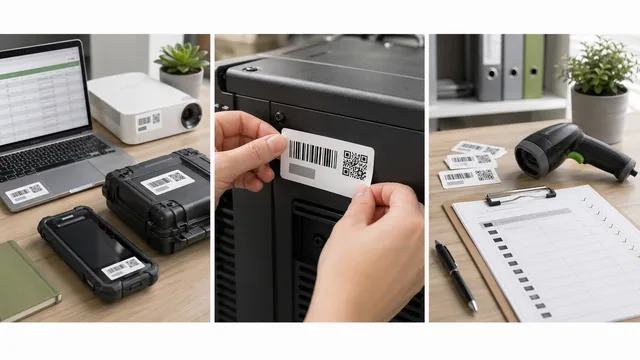
An asset tag should identify the asset for years, not just look tidy on day one. Start with a stable ID and the right label material.
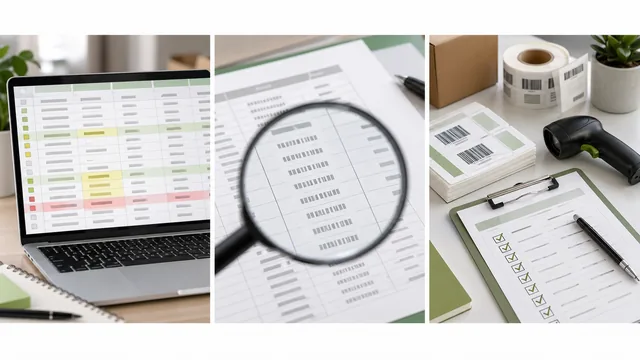
Bad label batches often start in the spreadsheet. Clean identifiers before design so the printed barcode matches the value your system expects.
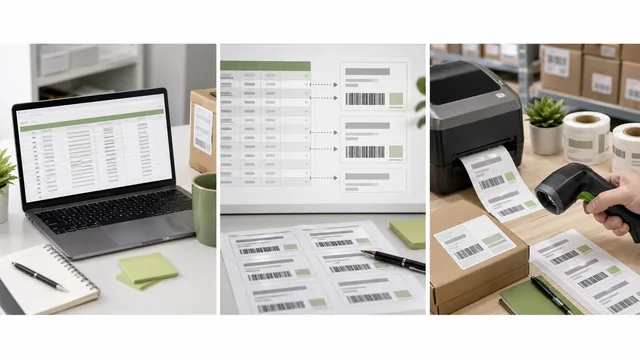
Turn a spreadsheet into barcode labels without hand-formatting every label. Start with the right columns, map fields carefully, then test print.
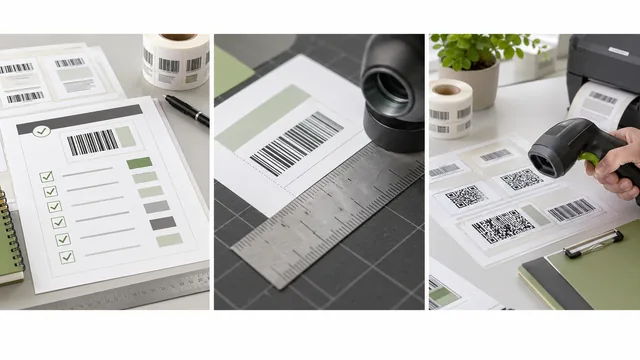
A label check takes minutes. A bad batch can cost an afternoon. Use this list before you print.
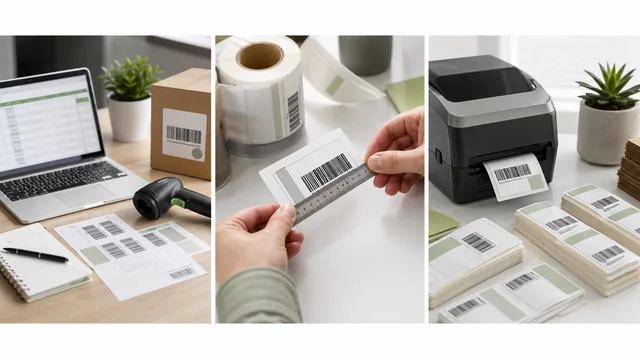
Start with the label job and source data, then choose a code, protect scan space, and test with the scanner and printer your team uses.