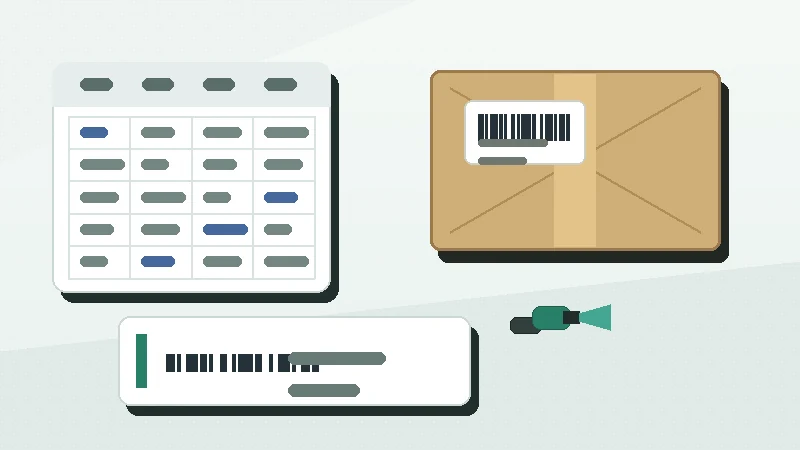
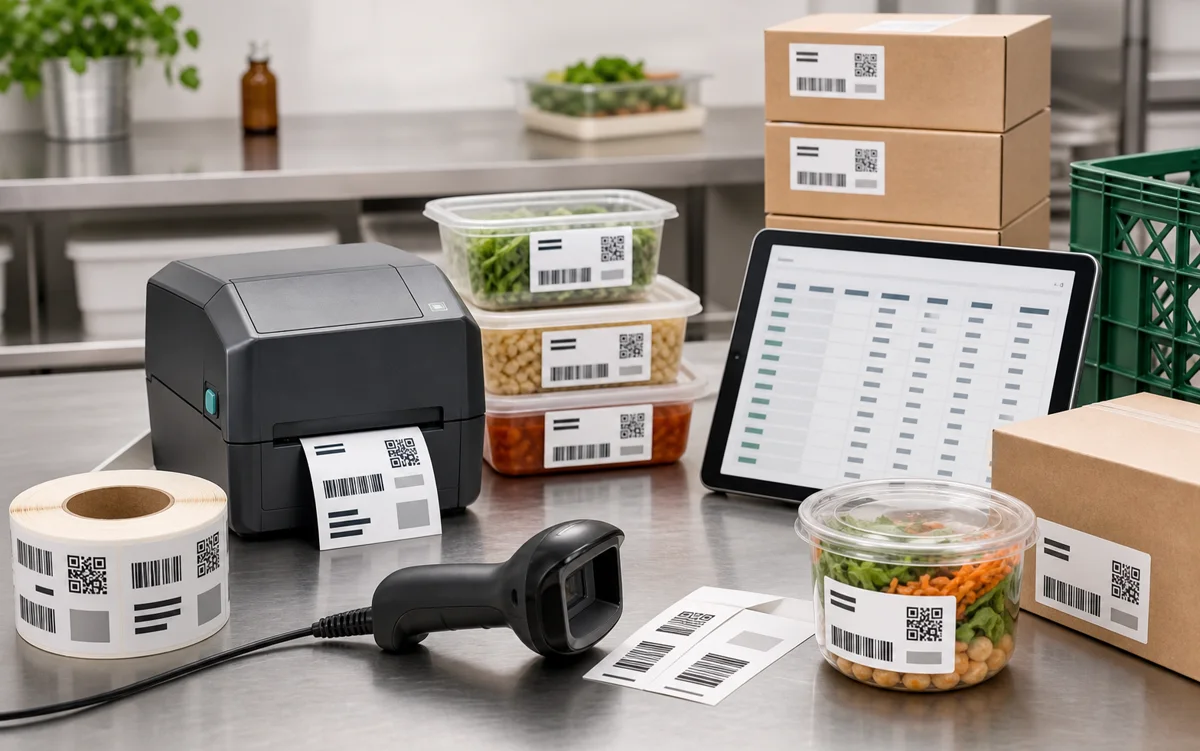
Food batch labels usually go wrong at the handoff. The prep sheet has one lot code, the carton label has another, a date changed after printing, or a barcode scans to a value that no one can match to the batch record.
The short answer: decide what the food batch label must identify, choose one stable lot code, keep the spreadsheet values as text, encode only the value your system needs, print the readable batch details, then test the label on the real container before the full run.
Start with the traceability job
A batch label is not a small product brochure. Its job is to connect a physical container, tray, case, sample, or work-in-progress item to a record. That record may live in a spreadsheet, a production log, a cold-room list, a purchasing system, or a food traceability platform.
For regulated or customer-required food traceability, verify the current rule or specification before printing production labels. The FDA explains that its Food Traceability Rule applies to additional traceability records for certain foods, not every food label in every workflow: FDA Food Traceability Rule.
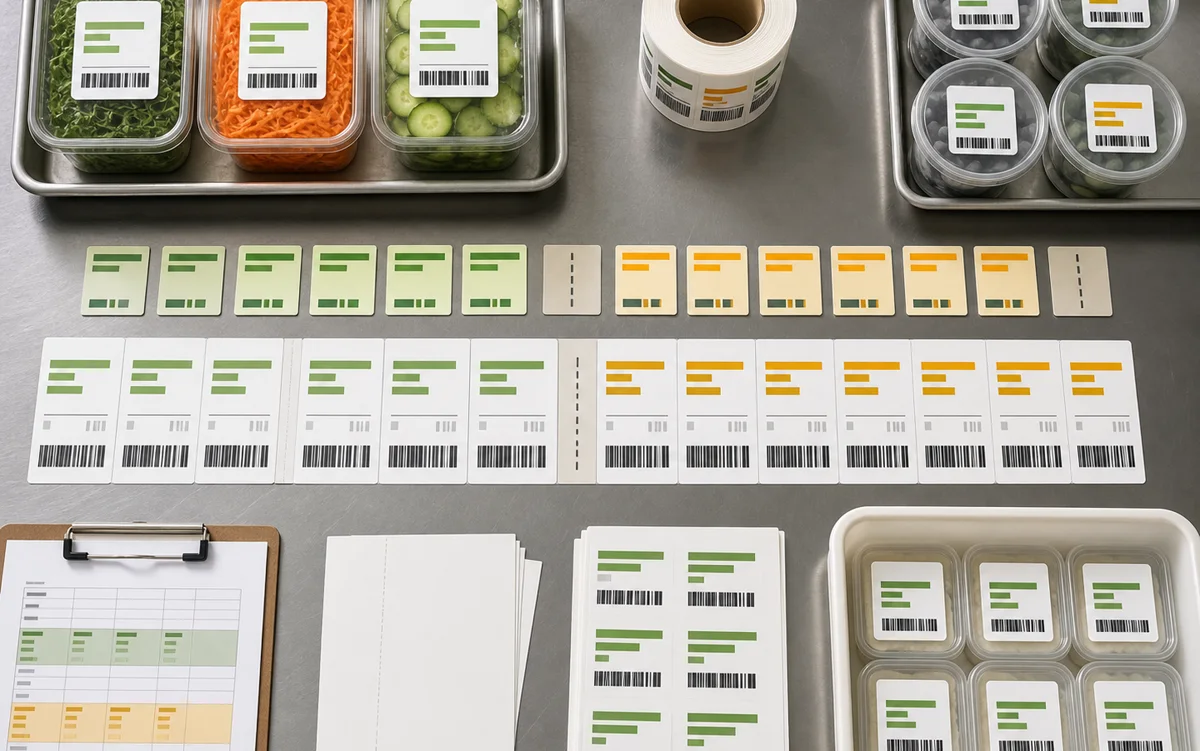
| Workflow | Label should identify | Useful printed fields |
|---|---|---|
| Prep containers | One prepared batch or work-in-progress lot. | Batch code, product name, prep date, location. |
| Finished cartons | One packed lot, case, or production run. | Lot code, item name, pack date, quantity. |
| Cold storage | A batch stored in a specific room, rack, or bin. | Lot code, storage location, use-by date. |
| Samples and retains | One retained sample connected to a batch record. | Lot code, sample type, date, owner. |
Choose a lot code pattern before design
A lot code should be boring, consistent, and hard to confuse. Patterns such as LOT-240511-A, BATCH-20260511-03, and KITCHEN-0428 are easier to read, sort, and scan than improvised notes written differently by each shift.
Avoid ambiguous characters when humans will read the label under time pressure. If O and 0, I and 1, or S and 5 can be confused in your font or scanner workflow, change the pattern before printing. Do not reuse a lot code while older records, returns, holds, or samples may still need to be traced.
A clean label helps people identify the batch, but it does not prove the batch record is complete. Treat the barcode as a link to the record, then verify your current regulator, customer, and internal requirements.
Build the spreadsheet as identifiers, not numbers
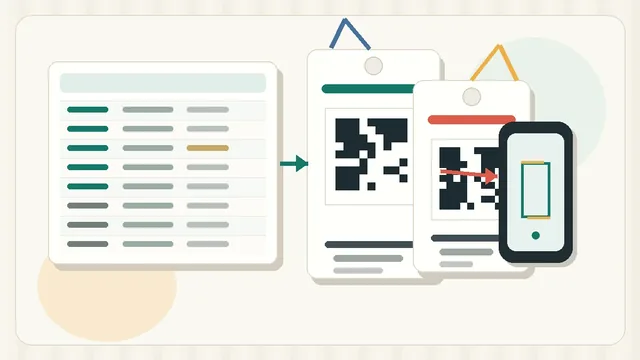
Food batch labels often begin in Excel or a CSV file. Treat lot codes, dates, and barcode values carefully before import. If a value starts with zeroes or uses a long numeric identifier, spreadsheet software may change it unless the column is formatted as text. Microsoft documents this risk for leading zeroes and large numbers: keeping leading zeroes and large numbers.
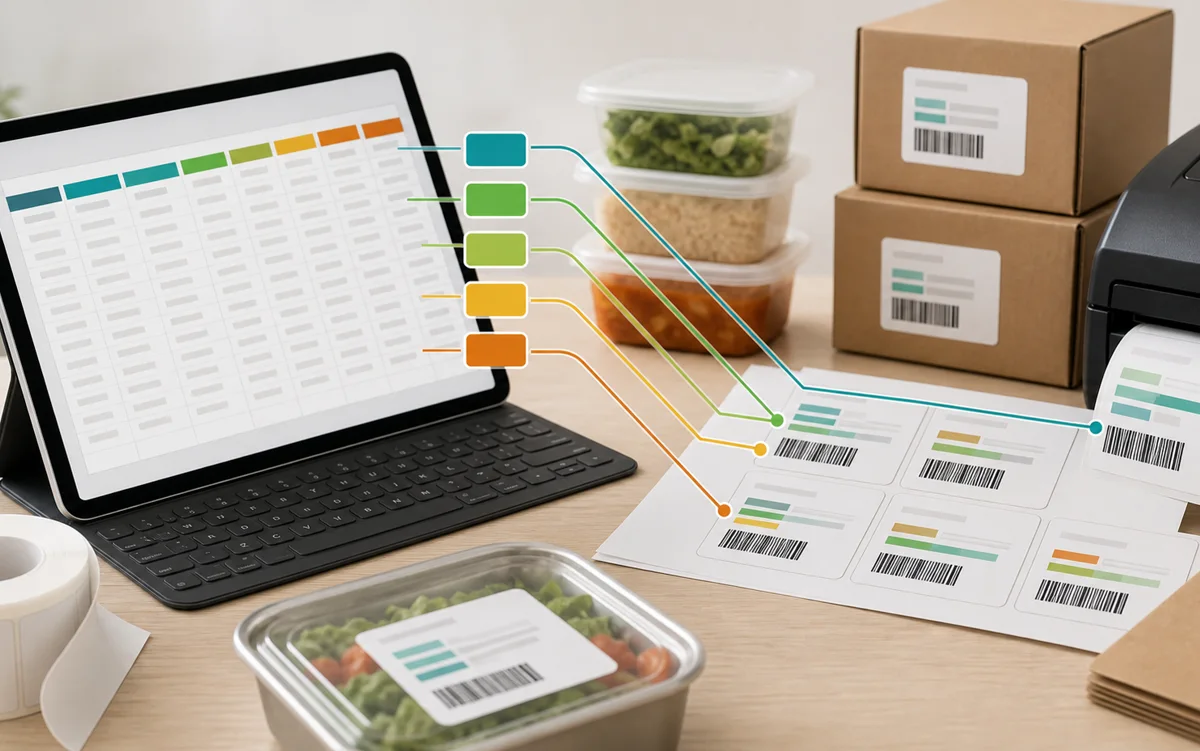
| Column | Example value | Use |
|---|---|---|
BatchCode | LOT-240511-A | The value printed as human-readable lot text. |
BarcodeValue | LOT-240511-A | The exact value encoded in the barcode or QR code. |
ProductName | Roasted pepper sauce | Short label context for packing or storage. |
PackDate | 2026-05-11 | Date the batch was packed or labeled. |
UseByDate | 2026-05-18 | Optional date field when the workflow requires it. |
Location | Cooler-2B | Room, rack, shelf, or bin where the batch starts. |
QtyToPrint | 24 | How many labels to print for that row. |
Before import
- doneText formatKeep BatchCode and BarcodeValue as text, not automatic numbers.
- doneOne row, one batchDo not mix several lots into one row unless the workflow intentionally prints a mixed-lot label.
- doneNo blanksRemove empty lot codes before generating labels.
- doneNo duplicatesCheck whether the same code appears twice by mistake.
- doneStable headersUse clear column names such as BatchCode, ProductName, PackDate, UseByDate, Location, and QtyToPrint.
Encode the value your system expects
For internal food batch labels, a compact Code 128 barcode can work well when the scan result only needs to be the lot code, such as LOT-240511-A. QR labels make sense when the scan should open a batch record URL, inspection form, or maintenance record. If you need help choosing the format, compare the options in Code 128 vs QR Code Labels.
If a buyer, distributor, retailer, or traceability system expects GS1 syntax, do not invent your own format. GS1 US describes GS1-128 as a barcode that can carry information such as product identifiers, batch or lot numbers, dates, and quantities using Application Identifiers: GS1-128 barcode. Confirm the exact Application Identifiers and data source before printing.
Match the label stock to the environment
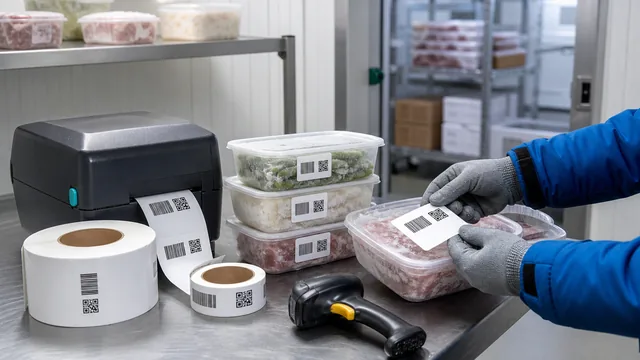
Food labels may face cold rooms, condensation, plastic lids, cardboard, grease, gloves, and repeated handling. A label that scans on a desk may fail after an hour on a damp container. Choose the label stock, adhesive, and print method before you finalize the layout.
Direct thermal stock can be useful for short-lived internal labels, but heat, abrasion, moisture, and storage conditions matter. Thermal transfer with the right ribbon and stock is often better for labels that need a longer life. For the tradeoffs, read Direct Thermal vs Thermal Transfer.
Control reprints, holds, and release labels
Batch labels need a simple status rule. A label may be approved, spoiled, reprinted, held, or replaced. If a carton is relabeled after a date correction or hold release, the team should be able to tell which labels were used and which were discarded.
The label printed cleanly, scanned to the expected record, and was applied to the intended batch.
The label jammed, smeared, fell off, or was discarded before use.
The same lot code was printed again for a controlled replacement.
The label supports an internal status, but the batch record should remain the source of truth.
Print a small run and scan the real container
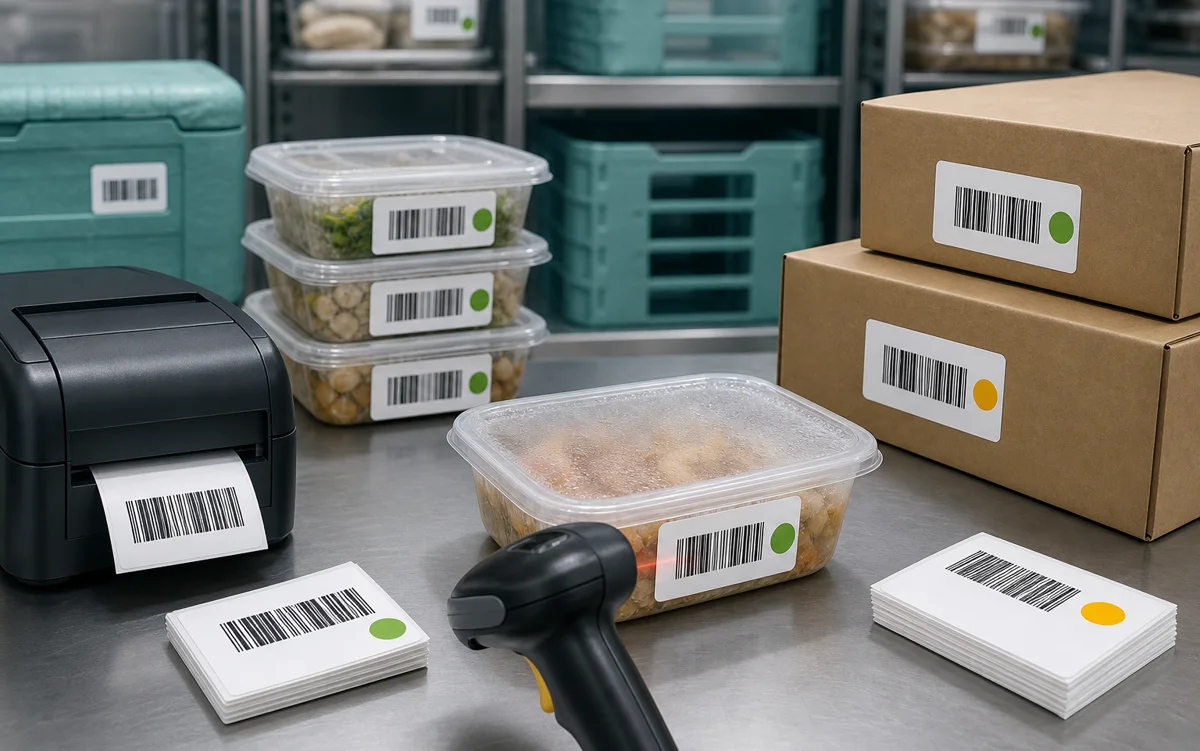
Print 5 to 10 labels on the stock that will be used in production. Scan the first, middle, and last labels. Then apply one sample to the real surface: lid, sidewall, bag, carton, tray, or cold-storage bin. Scan again from the normal distance and angle.
Final batch check
- doneExact scan resultScan sample labels and compare the result to BarcodeValue.
- doneReadable fallbackConfirm the printed lot code matches the encoded value.
- doneDate reviewCheck pack, use-by, expiry, and hold/release dates before printing the full run.
- doneQuiet zoneKeep borders, text, and label edges away from the barcode or QR code.
- donePlacementAvoid lid seams, curves, wet areas, folds, and high-rub contact points.
- doneBatch recordSave the file, print date, printer, stock, quantity, and reprint notes.
For deeper spreadsheet preparation, use Barcode Label Data Cleanup. For spacing and scan checks, keep the Barcode Label Design Checklist nearby before the full print run.
Create one real batch row, protect the lot code as text, print a small sample on the intended stock, and scan it on the actual container before producing the full label run.