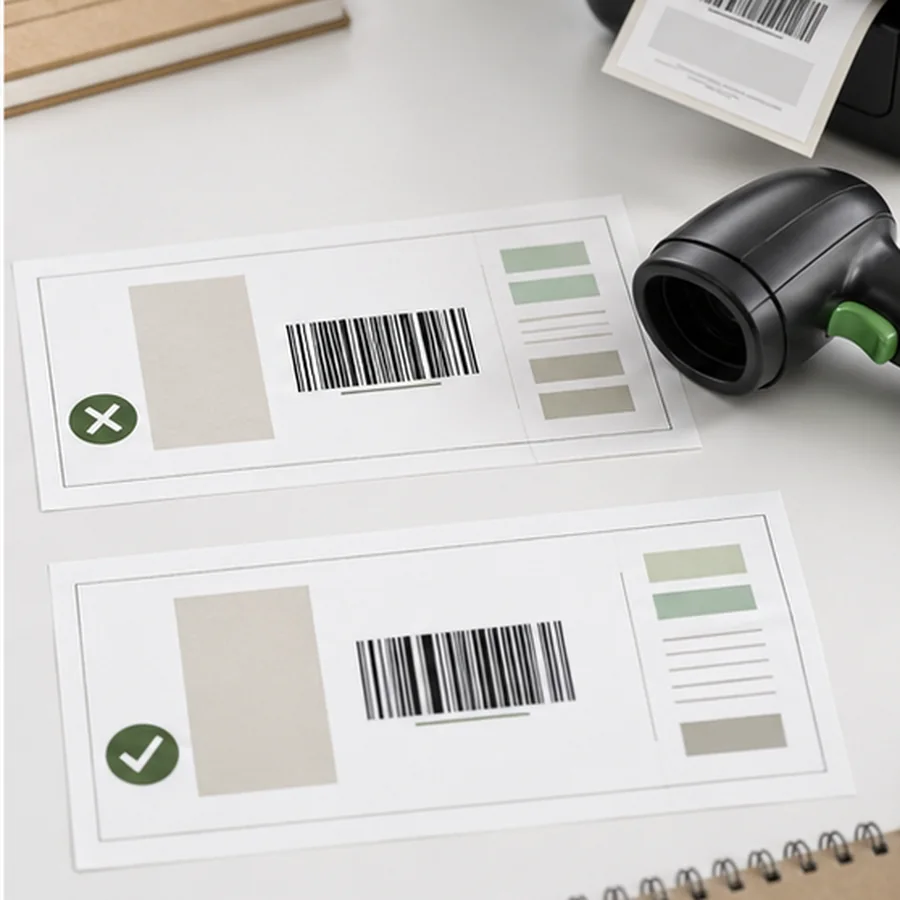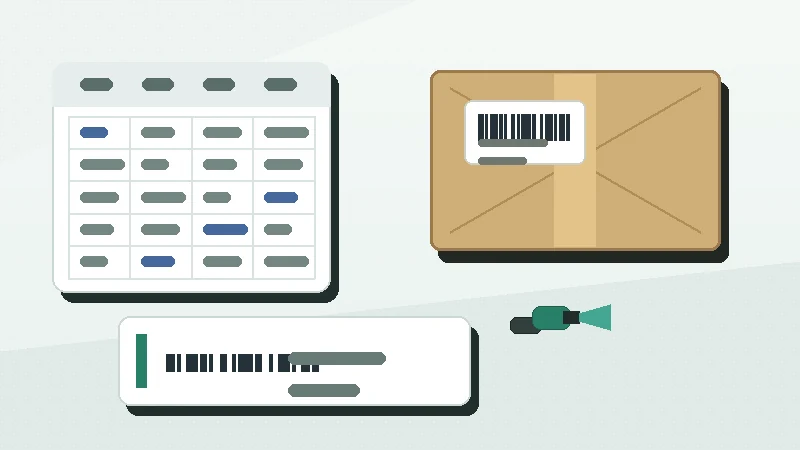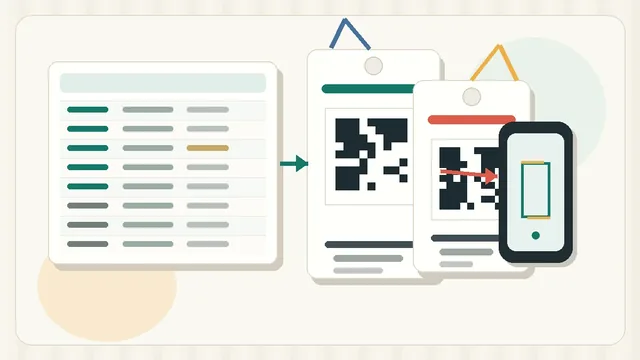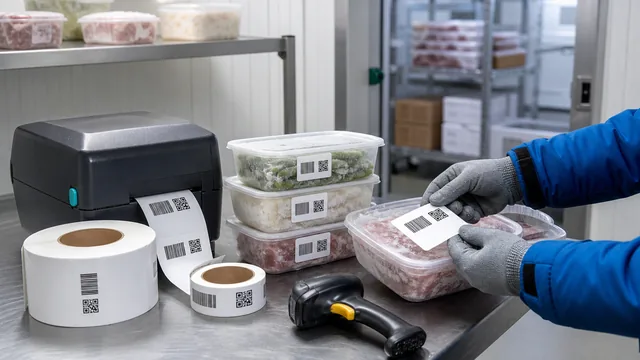
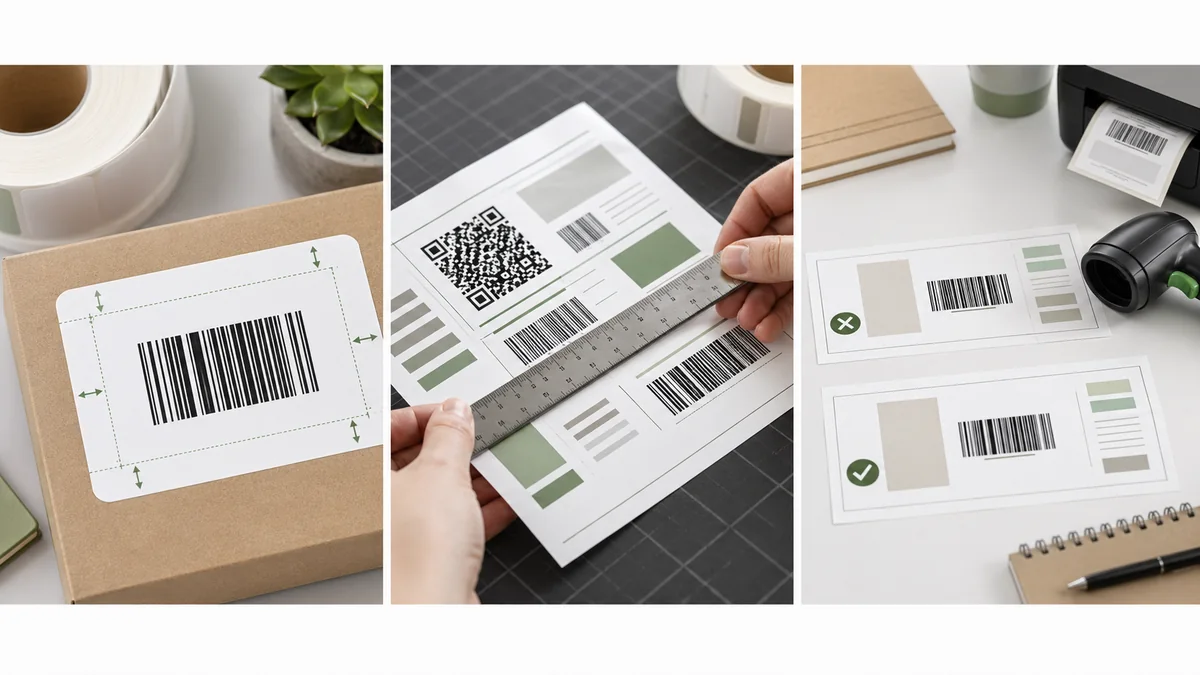
A barcode quiet zone is not empty space you can borrow for a logo, price, border, or product name. It is part of the scannable design. When a label is too small or too crowded, the code may look fine to a person and still fail because the scanner cannot confidently find where the symbol starts and stops.
The short answer: choose a label size that leaves the code large enough, keep clear margin around it, avoid edges and borders, and test print on the real stock. If the label is crowded, remove supporting text before reducing the barcode or QR quiet zone.
What a quiet zone does
The quiet zone is the clear area around a barcode. It helps the scanner distinguish the symbol from nearby text, borders, graphics, label edges, and package artwork. GS1 US lists left and right quiet zones as components of a GS1-128 barcode: GS1-128 components. Shopify also describes the quiet zone as the empty space at both ends of a barcode that tells the scanner where the code starts and stops: Shopify barcode FAQ.
For QR codes, the margin is on all sides. DENSO WAVE states that a QR Code requires a four-module-wide quiet zone around the symbol: QR code margin guidance. The exact physical size depends on the module size, print resolution, and amount of data in the QR code.
Why small labels get crowded
A 2 by 1 inch inventory label can feel large until you add a barcode, SKU, product name, price, location, logo, date, and border. Each extra element competes with the code. The scanner does not care that the layout looked balanced on screen. It cares about contrast, bar width, data density, print quality, and quiet space.
| Crowded layout | Better layout | Reason |
|---|---|---|
| Barcode touches the label edge. | Move the code inward or use a wider label. | The edge can destroy the quiet zone. |
| Product name wraps around the code. | Shorten the name and keep it above or below. | Text near bars can confuse scanning. |
| Decorative border surrounds the code. | Remove the border near the barcode. | Borders can behave like extra bars. |
| Long URL in a tiny QR code. | Use a short stable URL or record ID. | Dense QR codes need cleaner printing. |
| Price, SKU, location, and notes all compete. | Keep code, readable ID, and one context field. | The label should serve the scan workflow first. |
Choose label size from the encoded value
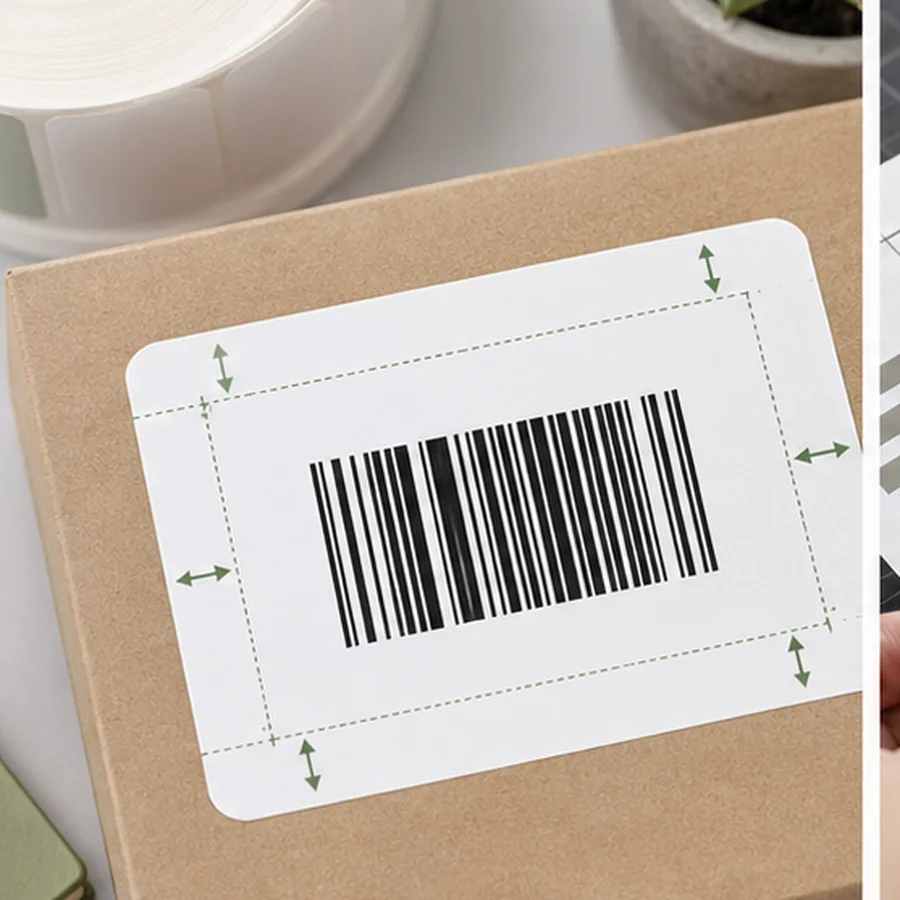
The same label stock can work for A-03-02 and fail for a long serialized ID because longer values make many barcode formats wider or denser. Before ordering sheets or rolls, test the shortest, longest, and most unusual values in your data. Include dashes, slashes, leading zeroes, and long product names in the preview.
For QR labels, test the actual URL or content length. A short URL and a long URL can produce very different module patterns. If you need a small asset tag, use a stable short URL or record ID instead of encoding a full paragraph of maintenance details.
Print scaling can also undo a careful layout. If a sheet or PDF is shrunk to fit the page, the barcode and quiet zone shrink with it. If it is enlarged, the code may drift into the trim edge or another label. Always confirm actual size before judging whether the label design itself is wrong.
Crowded label triage
- doneKeep the code firstDo not shrink the barcode until the label has been simplified.
- doneRemove decorationDelete borders, icons, heavy backgrounds, and text near the code.
- doneShorten human textUse
SKU-00482instead of a full sentence when space is tight. - doneUse a larger labelMove up one stock size if the code or quiet zone is compromised.
- doneTest on the surfaceScan after applying the label to the bin, product, asset, or package.
Print tests beat screen previews
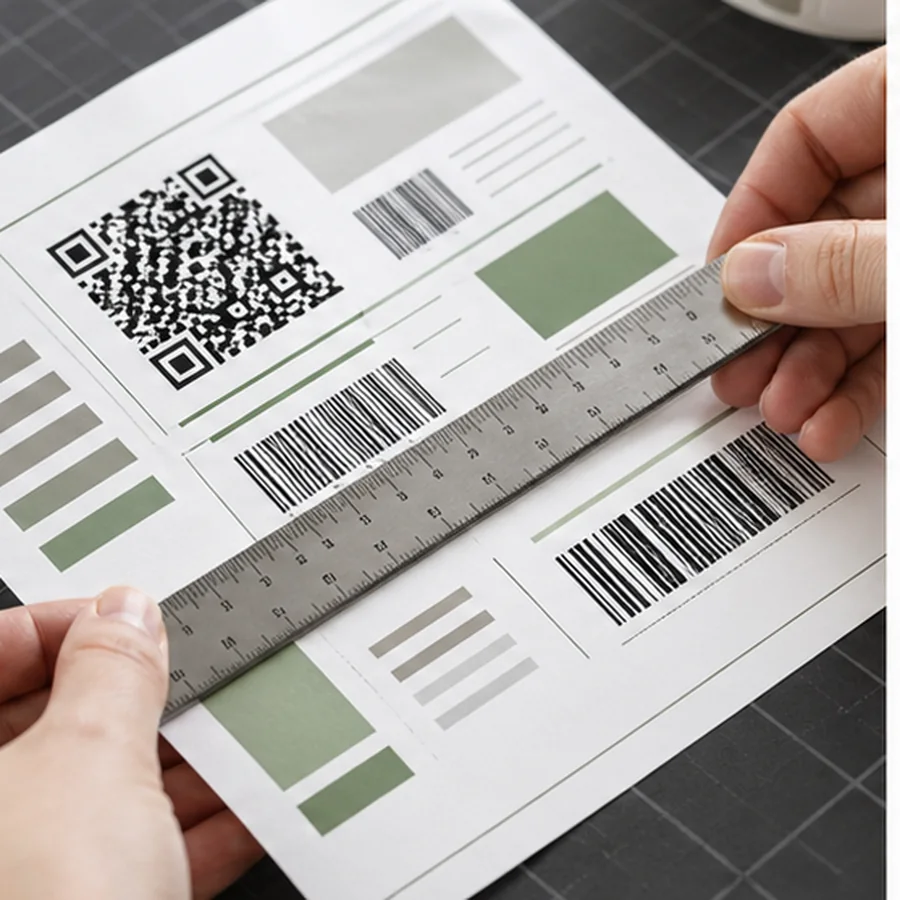
Screen previews do not show printer spread, toner darkness, thermal darkness, sheet drift, glossy glare, curved surfaces, or tiny alignment errors. Print 3 to 10 samples at actual size, then scan them with the real device. If the scanner struggles, do not jump straight to a different scanner. First restore quiet zone, increase code size, improve contrast, and reduce data length.
For a broader design pass, use the barcode label design checklist. If the issue is the data becoming too long or inconsistent, clean the spreadsheet with Barcode Label Data Cleanup.
Open your longest real barcode value in Label Codes, place it on the smallest intended label stock, then remove fields until the code and quiet zone are protected.