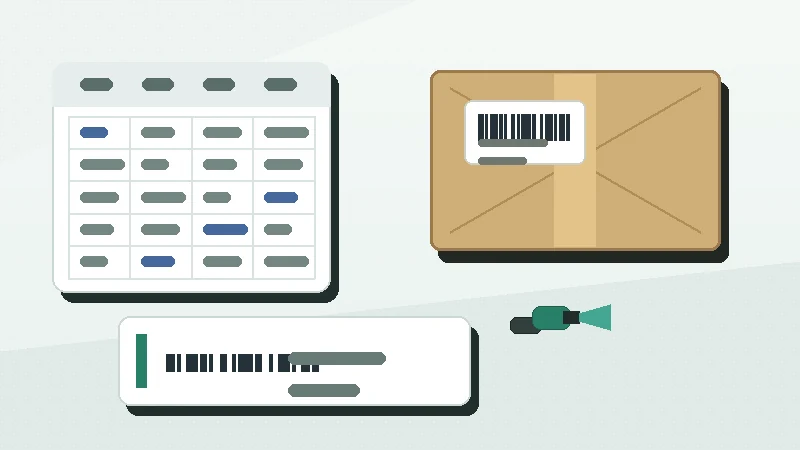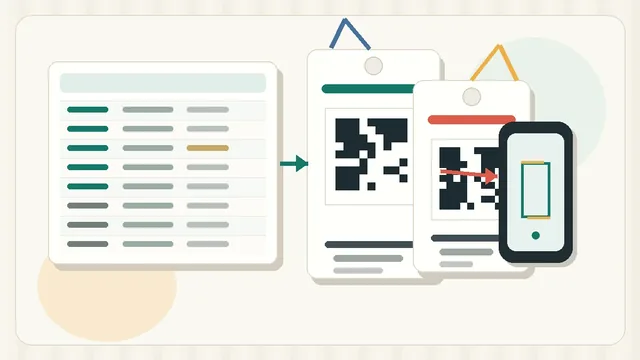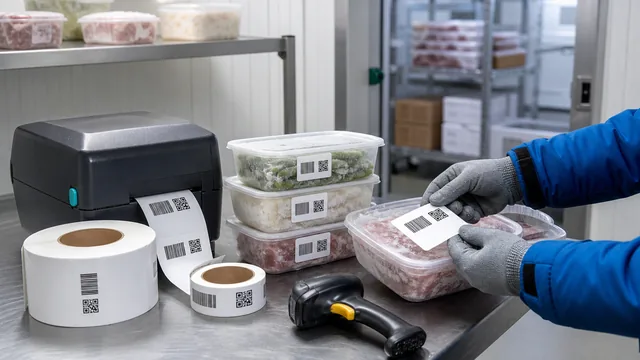
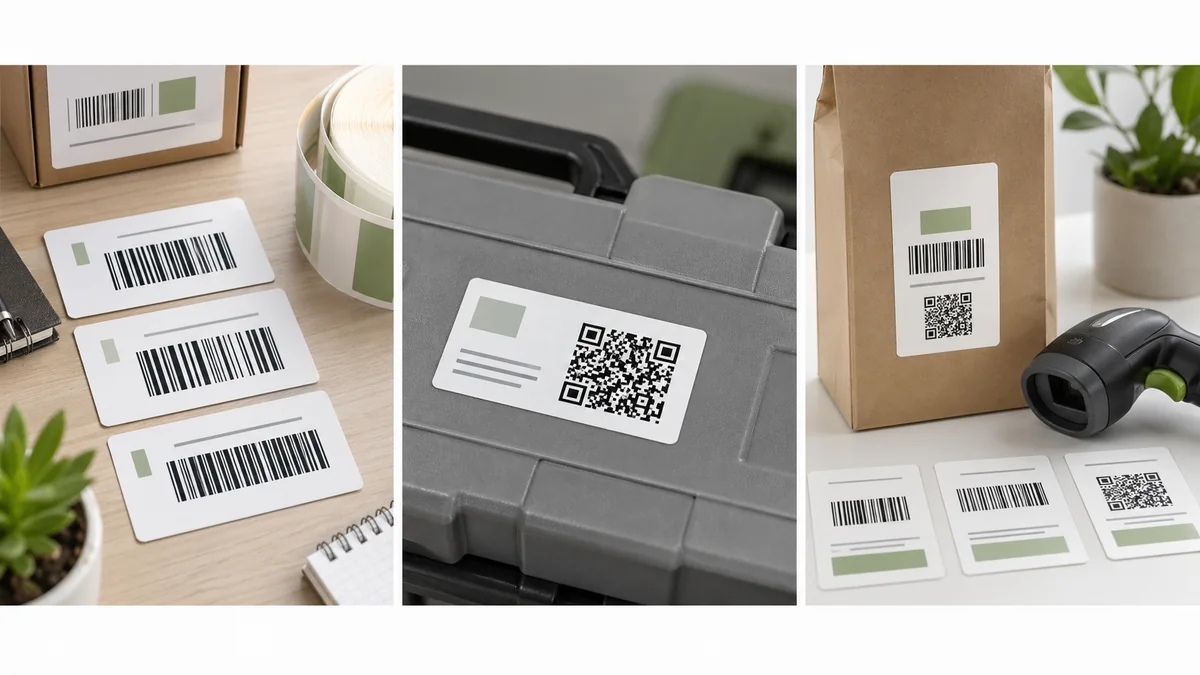
Choosing between Code 128 vs QR code labels is really a workflow decision. A warehouse shelf label, a retail product label, a maintenance QR label, and an Amazon shipment label may all look like barcode work, but they do not need the same code format.
The short answer: use Code 128 for flexible internal IDs, Code 39 for simple legacy alphanumeric workflows, UPC or EAN for retail products that need GS1 identifiers, and QR codes for URLs, phone scanning, or longer data. Confirm that your scanner, POS, marketplace, or trading partner accepts the format before printing.
Quick decision table
| Format | Best fit | Avoid when |
|---|---|---|
| Code 128 | Internal SKUs, asset IDs, bin labels, shipping-style IDs, mixed letters and numbers. | The label must scan as an official retail UPC or EAN. |
| Code 39 | Simple uppercase IDs in older warehouse, manufacturing, or equipment workflows. | Space is tight or you need efficient encoding of longer values. |
| UPC/EAN | Retail product labels tied to a GS1 GTIN and point-of-sale scanning. | You only need a private SKU for your own inventory system. |
| QR code | URLs, maintenance records, asset pages, customer information, or longer text. | Your scanner is laser-only or the workflow expects a 1D barcode. |
Use Code 128 for flexible internal labels
Code 128 is often the practical choice when your label needs to encode an internal value such as SKU-00482, BIN-A-03-02, WO-78154, or an asset ID. Shopify describes Code 128 as a high-density alphanumeric barcode that can encode the 128 ASCII characters and is often used for packaging, shipping, and physical inventory: Shopify barcode FAQ.
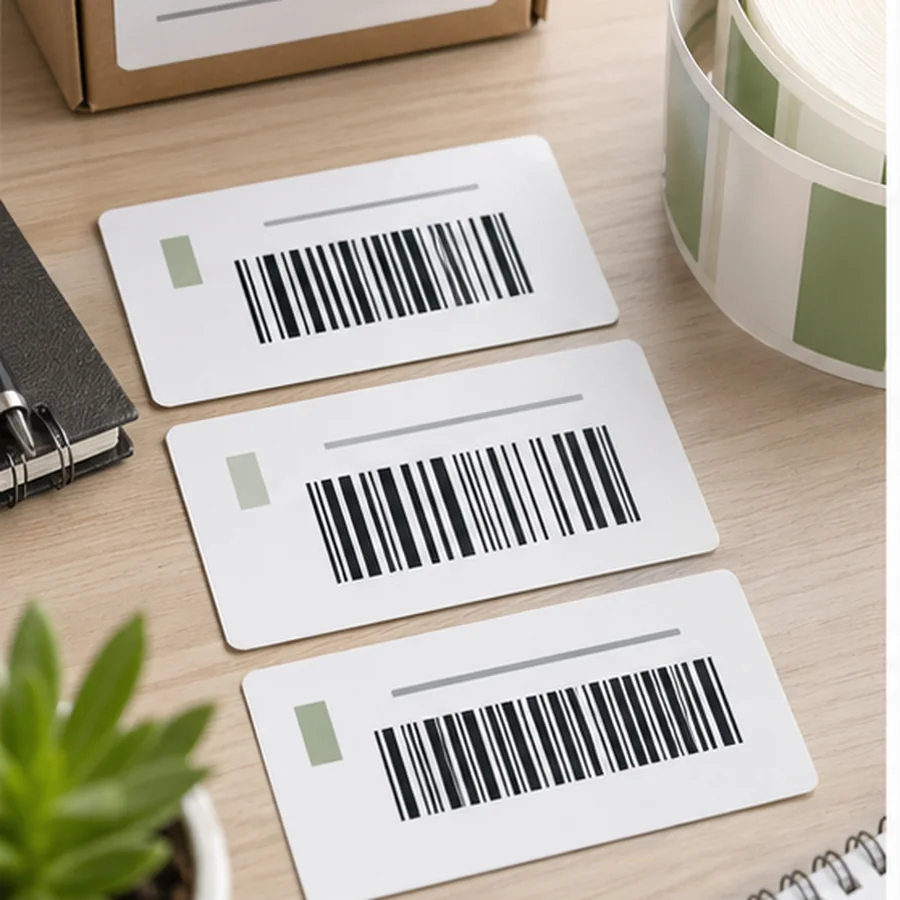
That flexibility does not make it a universal retail barcode. If a store, distributor, or marketplace asks for a UPC, EAN, GTIN, or a specific platform barcode, a private Code 128 SKU is not a substitute. It may scan perfectly in your stockroom and still fail the partner requirement.
Use Code 39 for simple legacy workflows
Code 39 is older and easy to recognize in many manufacturing, maintenance, and warehouse systems. It is useful when the receiving system already expects it and the values are short uppercase alphanumeric codes. Shopify notes that Code 39 uses numbers, letters, and a limited set of special characters, and can be read by laser, CCD, and image-based scanners.
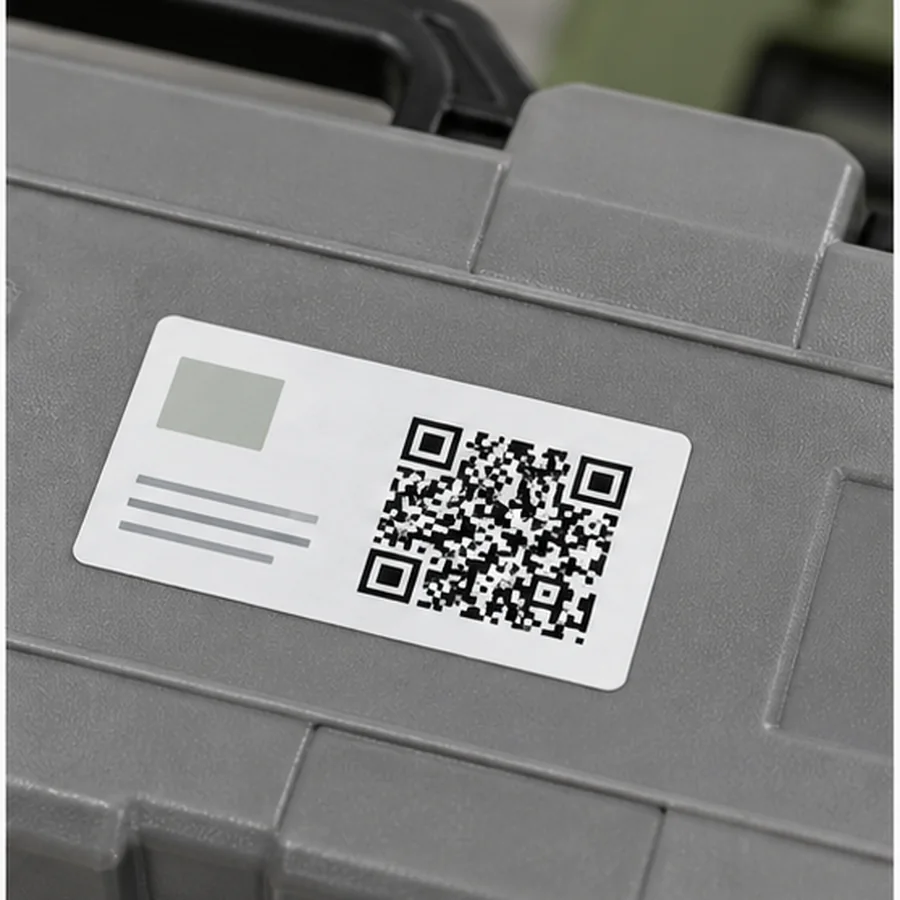
The tradeoff is size. Code 39 labels can become wide quickly, so a small shelf label or asset tag may run out of room before the barcode has enough quiet zone and readable text. If you are starting fresh and your scanners support it, Code 128 is usually a better default for internal IDs.
Use UPC or EAN for retail products
UPC and EAN are not just visual styles. They are tied to retail product identification. GS1 US explains that a UPC symbol is encoded with a GTIN and is scanned at point of sale to identify the item and look up its price: GS1 US guide to UPCs.
If your product will sell through retailers, marketplaces, or distributors that require GS1 identifiers, get the correct barcode from the standards body or approved process. GS1 US also states that each variation of each product needs a unique barcode, such as different sizes, colors, styles, or packages: GS1 US get a barcode.
Use QR codes for URLs and richer scans
A QR code is useful when the label should open a webpage, asset record, maintenance form, safety document, or product information page. GS1 US describes QR codes as 2D barcodes frequently used for linking to information on the web, and notes that GS1 Digital Link can use QR codes to connect product identifiers to web-friendly data: GS1 US barcode types.
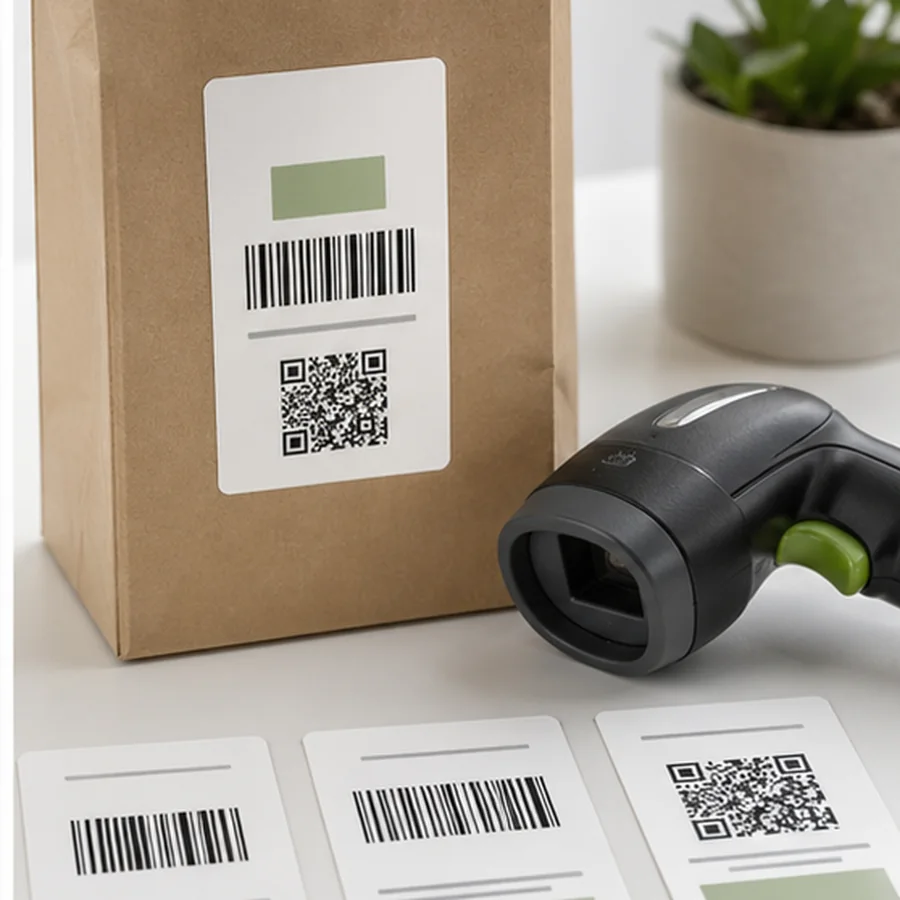
Do not choose QR only because it looks modern. A QR label still needs enough physical size, contrast, and quiet zone. If your floor team uses laser scanners that only read 1D barcodes, a QR-only label creates friction even if phones can read it.
Before printing the batch, scan a sample with the actual device and software that will read the label. A phone camera, a warehouse imager, a laser scanner, and a POS scanner can have very different format support.
Pre-print code choice checklist
- doneReceiving systemConfirm what the POS, WMS, spreadsheet, app, or marketplace expects.
- doneEncoded valueDecide whether the label should encode a SKU, GTIN, URL, location, asset ID, or platform barcode.
- doneScanner typeCheck whether the scanner reads 1D only or 1D and 2D.
- doneLabel sizeMake sure the selected format fits without crowding the quiet zone.
- doneHuman fallbackPrint the readable ID below or near the code.
If you are still designing the full workflow, start with Getting Started with Barcode Labels for Small Teams. Once the format is chosen, run the barcode label design checklist before printing more than a few samples.
Pick the code type from the scan destination, create 3 to 10 sample labels in Label Codes, and test them with the real scanner before building the full label batch.