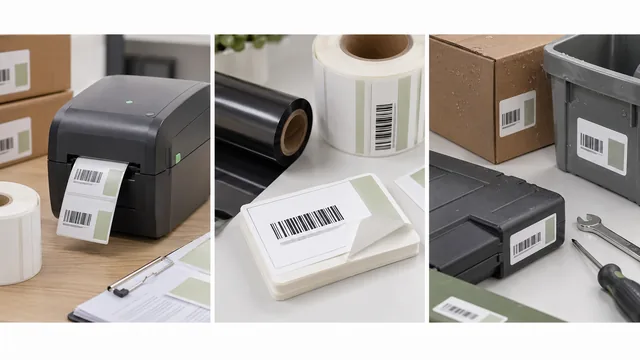
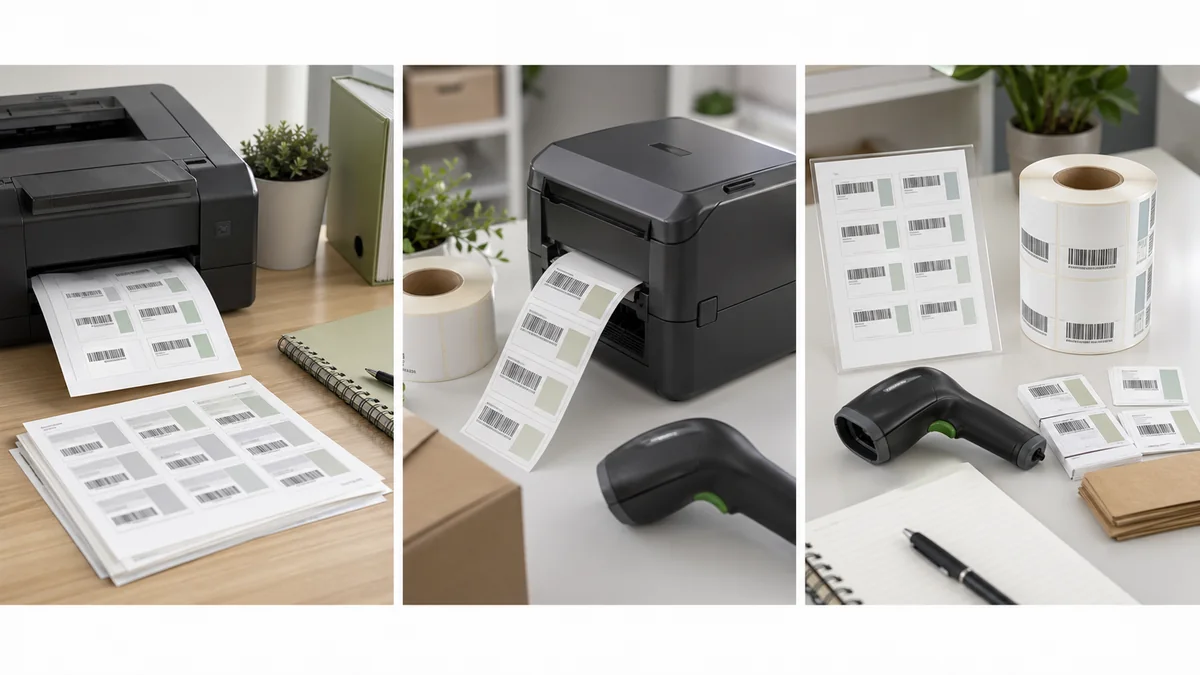
Label sheets vs thermal rolls is not only a cost question. It affects alignment, batch size, print speed, stock choices, template setup, reprints, and how much time your team spends fighting the printer.
The short answer: use sheets when you print small batches from an office printer and can tolerate page setup checks. Use thermal rolls when barcode labels are part of daily receiving, picking, asset tagging, shipping, retail, or warehouse work.
Decision matrix
| Workflow factor | Sheets are usually better | Thermal rolls are usually better |
|---|---|---|
| Volume | A few sheets at a time. | Dozens or hundreds of labels regularly. |
| Batch pattern | Full pages or predictable batches. | One-off labels, partial batches, and frequent reprints. |
| Printer | Office inkjet or laser already available. | Dedicated label printer near the work area. |
| Alignment risk | Template and scaling must be checked per print job. | Calibration matters, but each label feeds from the roll. |
| Label life | Paper labels for indoor, light-duty use. | Direct thermal or thermal transfer stock matched to use. |
| Best examples | Small retail price labels, event badges, occasional asset tags. | Shipping, warehouse, inventory, shelf, FBA, or service labels. |
When sheets are enough
Avery-style sheets are practical when you print occasionally, already own the printer, and can use standard sizes. Avery's barcode import workflow shows a common sheet-label pattern: import spreadsheet data, add a barcode or QR code, and merge fields into a template: Avery barcode spreadsheet import.
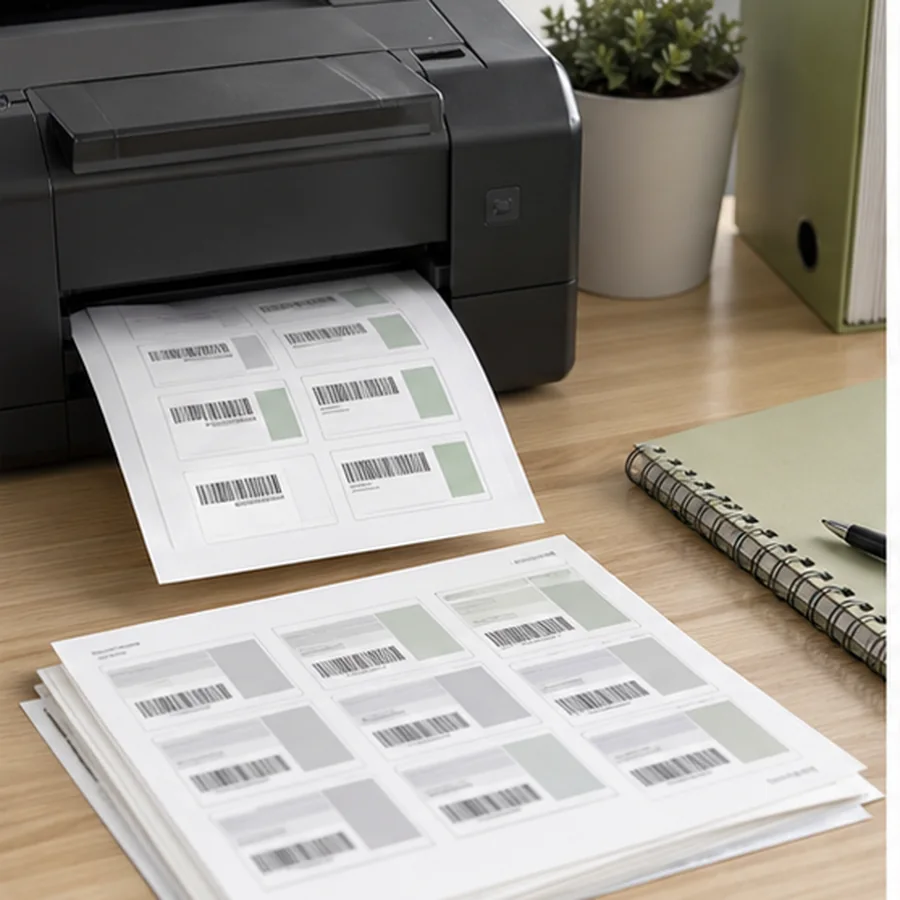
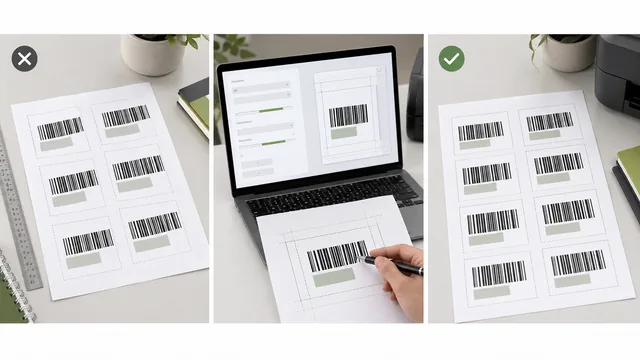
The main sheet risk is alignment. A PDF can look perfect and still print slightly scaled, shifted, or drifted down the page. Sheets also waste stock when you need only a few labels and the same page cannot be fed safely a second time.
When rolls are better
Thermal rolls make sense when labels are part of the job, not an occasional admin task. A receiving desk, stockroom, repair bench, shipping station, or retail counter benefits from printing one label at a time without building a full page. Roll workflows also reduce the habit of leaving half-used sheets on a shelf.
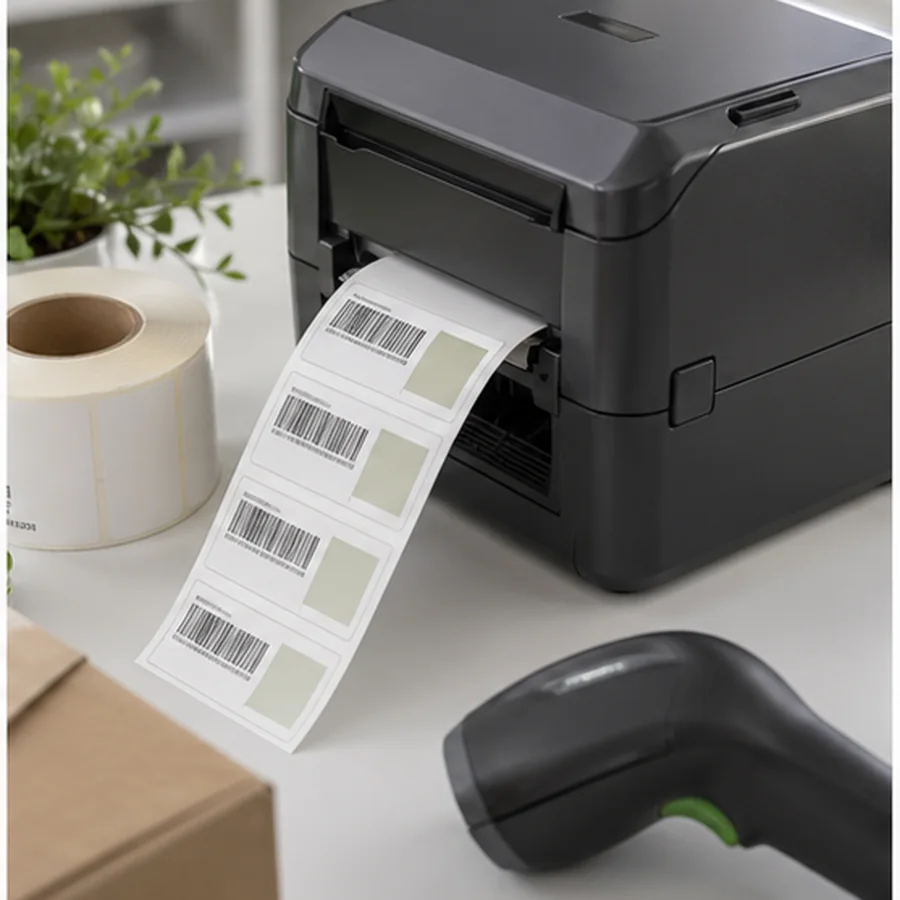
Thermal printing still needs the right method and media. Zebra explains that direct thermal and thermal transfer both use a thermal printhead, but direct thermal uses heat-sensitive stock while thermal transfer uses ribbon for more durable images on a wider range of materials: Zebra thermal printing overview.
The first 100 labels recommendation
If you are unsure, do not buy a case of labels first. Print the first 100 labels with the setup you already have, but track the problems. Count misaligned pages, wasted labels, slow reprints, scan failures, template edits, and time spent finding the correct print settings.
This simple test keeps the decision grounded. If the team spends 30 minutes preparing every small sheet batch, a dedicated roll printer may be cheaper than it looks. If labels are printed once a month and the sheets line up cleanly, a thermal printer may add hardware, driver, and stock management work without solving a real problem.
If the first 100 labels print cleanly, scan reliably, and are only needed occasionally, sheets are probably enough.
If you print labels weekly or daily, need single-label reprints, or keep wasting partial sheets, thermal rolls are likely better.
If both setups feel cramped, the issue may be label dimensions, not the printer format.
Setup checklist
- doneExact sizeConfirm label width, height, page size, margins, and orientation.
- donePrint scaleUse actual size or 100 percent unless your template says otherwise.
- doneScanner testScan samples from the first, middle, and last labels in a batch.
- doneReprint pathKnow how to reprint one damaged or missing label.
- doneStock storageKeep labels dry, clean, and away from heat or sunlight when required.
Plan for reprints
Reprints are where roll printers often win. A damaged bin label, missing price label, or corrected asset tag can be printed one at a time. With sheets, a single reprint may mean placing the record in a specific page position, protecting unused labels, or wasting a partial sheet. If mistakes and replacements are common, include that work in the decision.
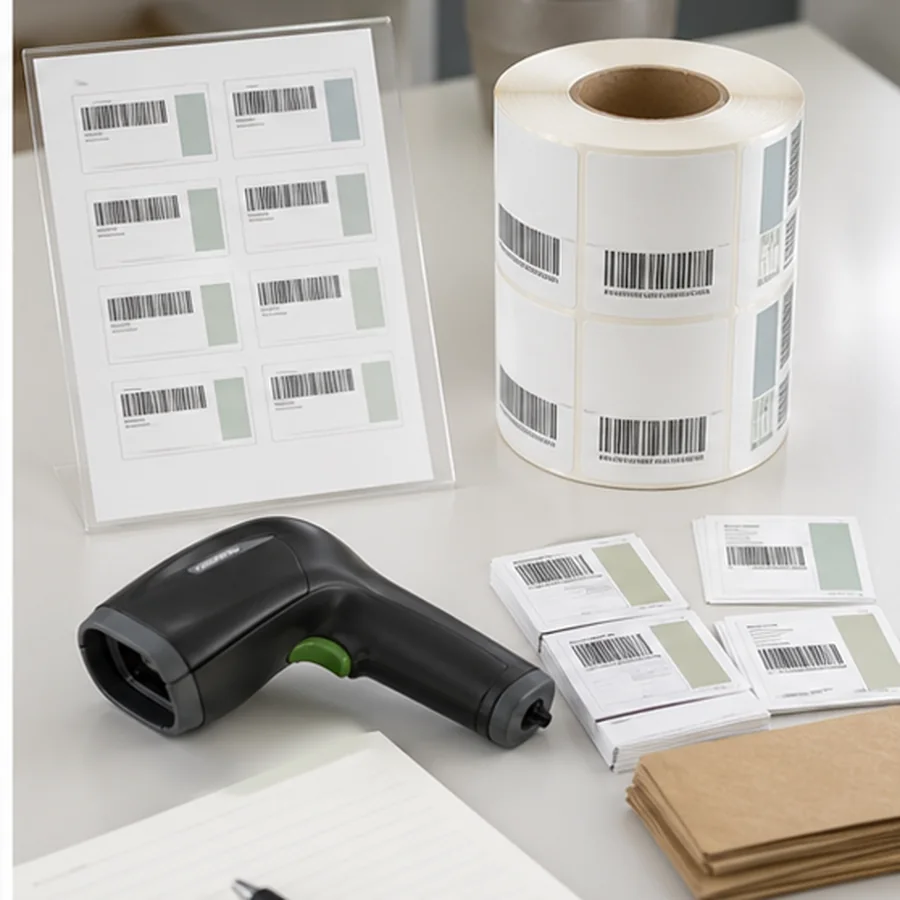
Also think about where the printer lives. A roll printer beside the packing bench or stockroom shelf can remove walking time and reduce handwritten temporary labels. A shared office printer may be fine for planned batches, but it is rarely ideal for urgent operational labels.
For spreadsheet batches, use How to Print Barcode Labels from Excel or CSV. For thermal media choices, read Direct Thermal vs Thermal Transfer Labels.
Print a small real batch, write down every alignment and reprint problem, then choose the setup that removes the most repeated friction.