Direct thermal vs thermal transfer labels is a durability decision before it is a printer decision. A shipping label that only needs to survive a few days has different requirements from an asset tag, freezer label, outdoor bin label, lab sample label, or product identification label.
The short answer: use direct thermal for short-life indoor labels such as shipping, visitor, receipt, and temporary inventory labels. Use thermal transfer when the barcode must survive handling, light, heat, moisture, chemicals, abrasion, storage, or long audit cycles.
Quick comparison
| Factor | Direct thermal | Thermal transfer |
|---|---|---|
| How it prints | Heat darkens chemically treated label stock. | Heat transfers ribbon onto the label material. |
| Supplies | No ribbon, only compatible direct thermal stock. | Ribbon plus compatible label stock. |
| Best for | Short-life labels, shipping, receipts, tickets, temporary IDs. | Assets, inventory, product ID, freezer, outdoor, chemical, and long-life labels. |
| Main risk | Image can darken, fade, or become unreadable from heat, light, or abrasion. | Wrong ribbon and label stock combination can smear, flake, or print poorly. |
| Setup cost | Usually simpler and fewer consumables. | More setup choices and ribbon cost, but broader durability options. |
How direct thermal works
Direct thermal printers use heat-sensitive media. Zebra explains that direct thermal printing uses chemically treated media that blackens under the thermal printhead, without ink, toner, or ribbon: Zebra thermal printing overview. That simplicity is why many shipping and temporary label workflows use direct thermal.
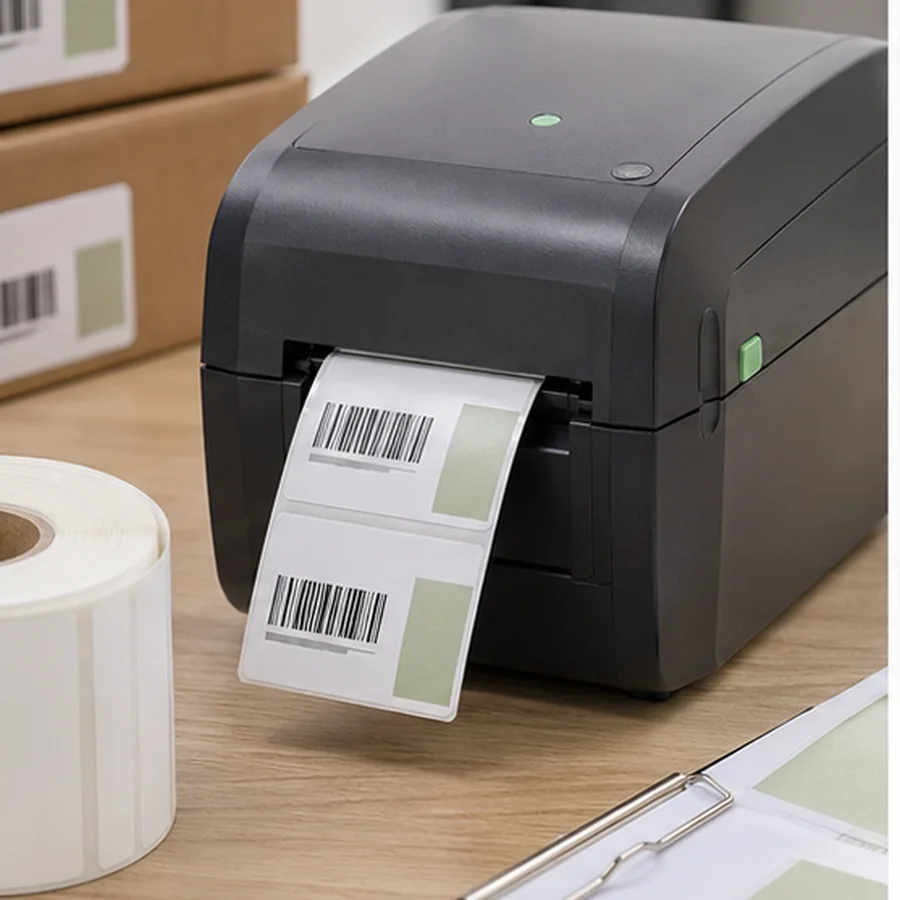
The tradeoff is exposure. Zebra notes that direct thermal labels are not well suited to heat, long periods of direct sunlight, or abrasion, and that overexposure can make text or barcodes unreadable. For labels that are scanned quickly and discarded, that may be fine. For assets or inventory expected to survive months or years, it is often the wrong medium.
How thermal transfer works
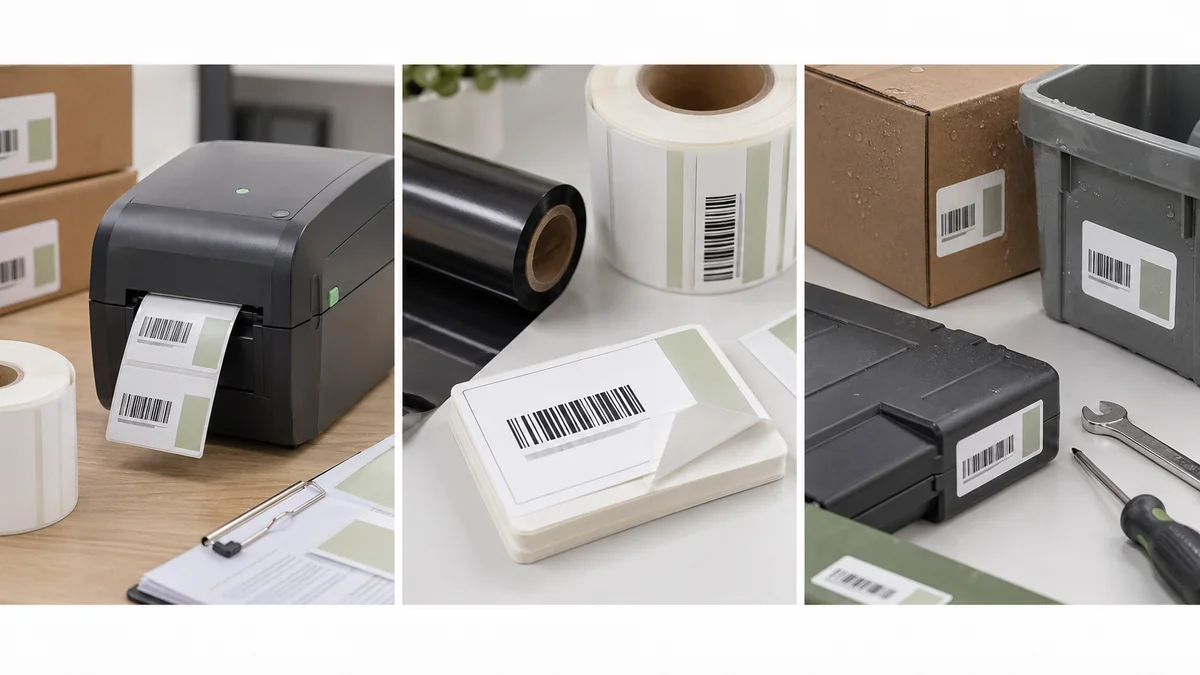
Thermal transfer uses a ribbon. Zebra describes the process as a heated ribbon melting onto the label to produce durable, long-lasting images on a wide variety of materials. It also stresses that the label material and ribbon must be matched for print performance and durability.
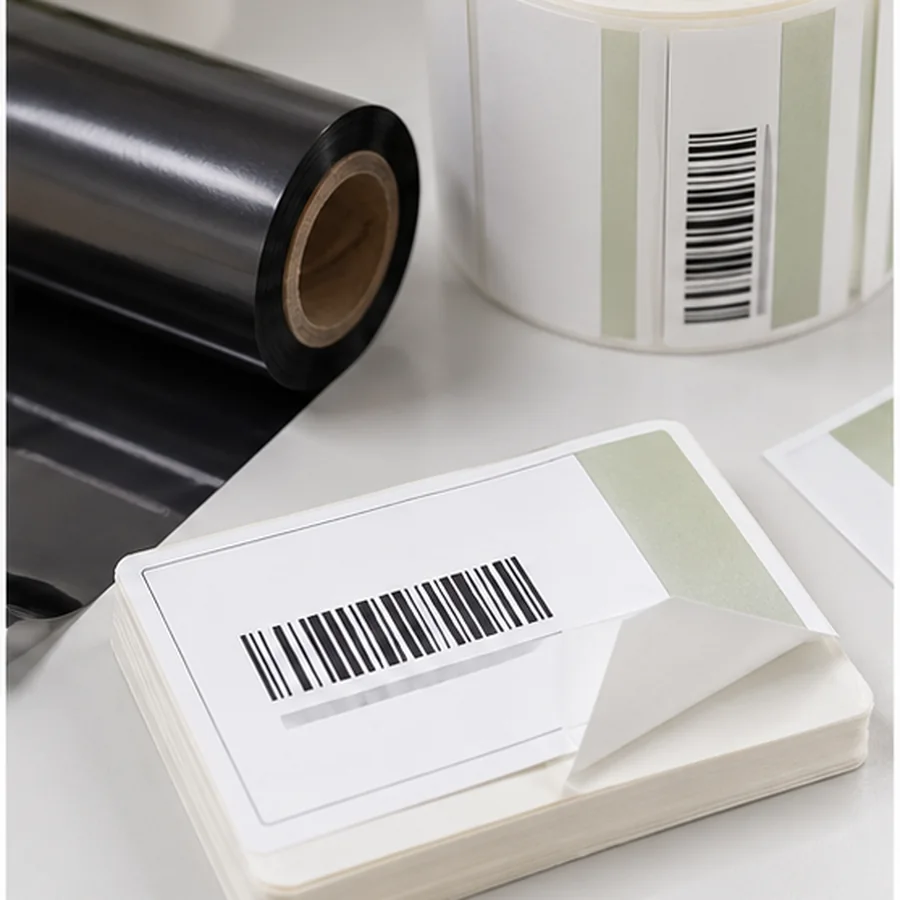
Barcodes Inc. gives the same practical split: direct thermal is inexpensive for temporary labels, while thermal transfer is better for labels that need longer life or resistance to harsh conditions: Barcodes Inc. thermal guide.
Choose by workflow
Direct thermal is usually enough when labels are used quickly, indoors, and replaced by the next shipment event.
Thermal transfer is safer when labels are cleaned, touched, scraped, or expected to stay readable through many stock cycles.
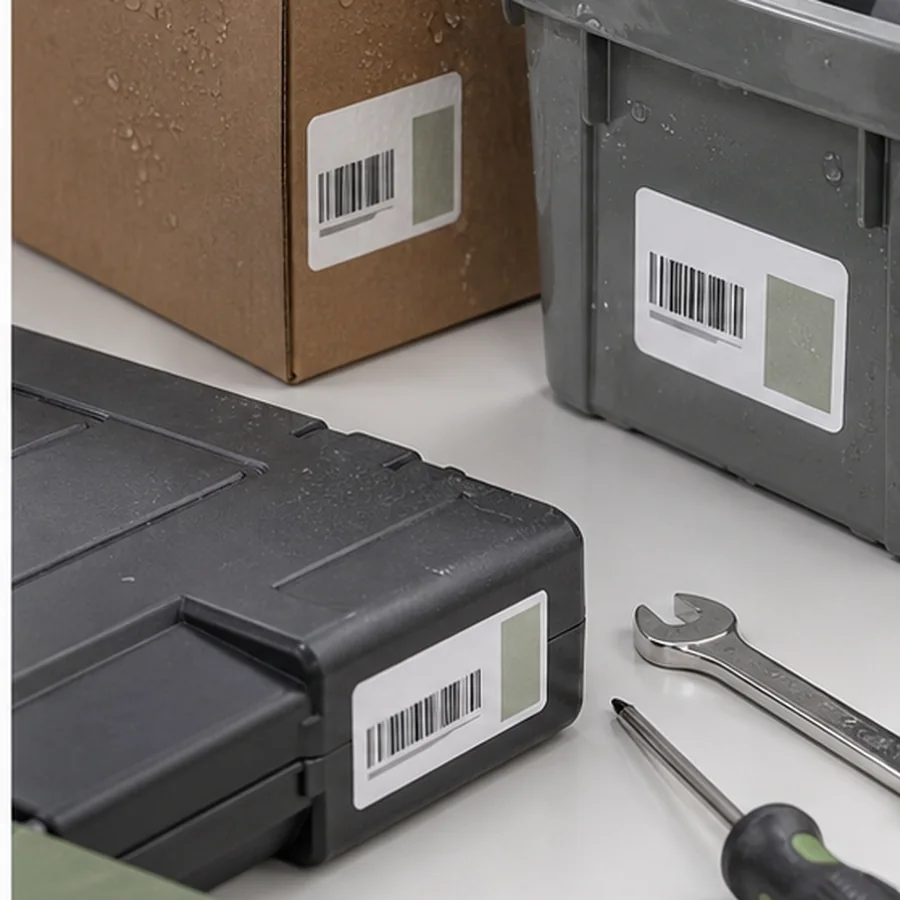
Thermal transfer with durable stock is usually the better starting point for tools, laptops, medical equipment, and school assets.
Choose thermal transfer and match ribbon, adhesive, and face stock to the actual environment.
Thermal transfer is not automatically durable in every environment. The ribbon, label face stock, adhesive, printer settings, surface, and storage conditions must work together. Ask for sample stock and test it before standardizing.
Also consider relabeling cost. A cheaper direct thermal setup can be reasonable when labels are easy to replace and the workflow catches damage quickly. It becomes expensive when failed labels interrupt audits, receiving, customer returns, or equipment service. In those cases, the durable setup often pays for itself by preventing repeated manual lookup and relabeling work.
Test print like the label will be used
For direct thermal, leave a sample in the actual light, heat, and handling path. For thermal transfer, rub the print, apply it to the final surface, and scan it after normal handling. If the label will go on a freezer box, cable, tool, bin, bag, bottle, or outdoor surface, do not approve it from a flat desk test only.
Printer and media checklist
- doneLabel lifeDecide whether the label must last days, months, or years.
- doneEnvironmentCheck heat, sunlight, moisture, abrasion, chemicals, cold, and handling.
- doneSurfaceTest the exact product, shelf, bin, tool, or package material.
- doneRibbon matchFor thermal transfer, match ribbon type to label stock.
- doneScan testPrint samples and scan after the label has been applied.
If your current labels already fail to scan, use Barcode Labels Not Scanning? before buying a printer. If you are still designing the layout, run the barcode label design checklist first.
Pick one representative label job, print it on candidate direct thermal and thermal transfer stock, apply both to the final surface, and scan them after normal handling.