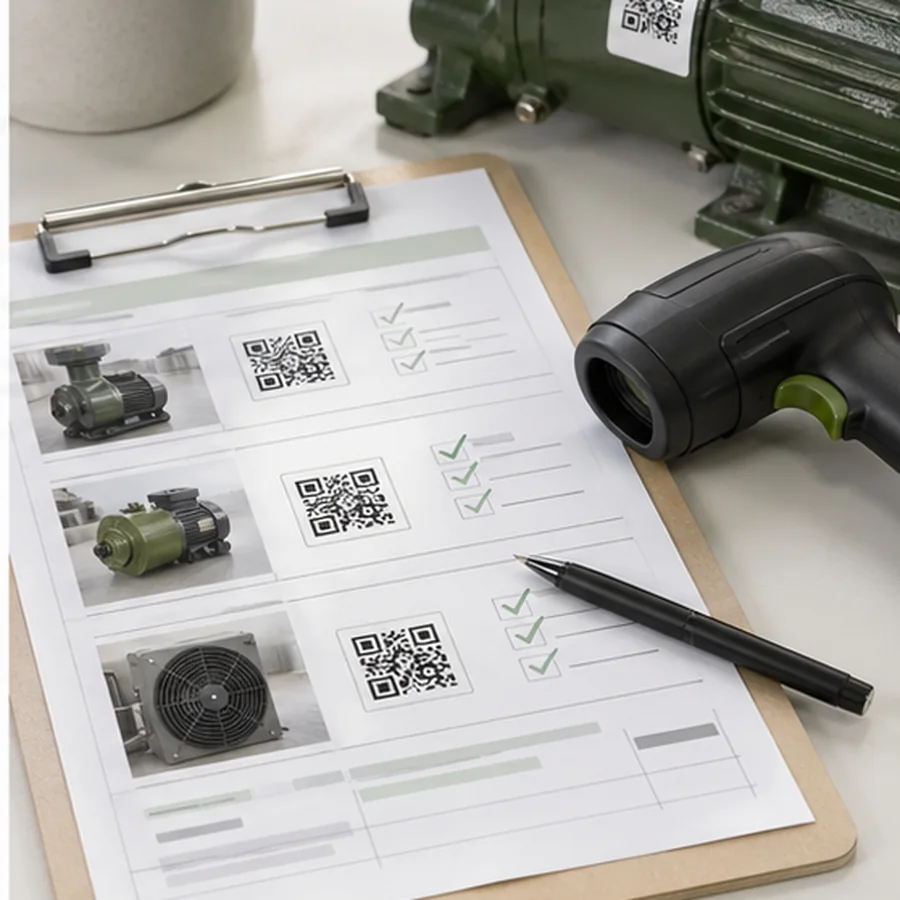
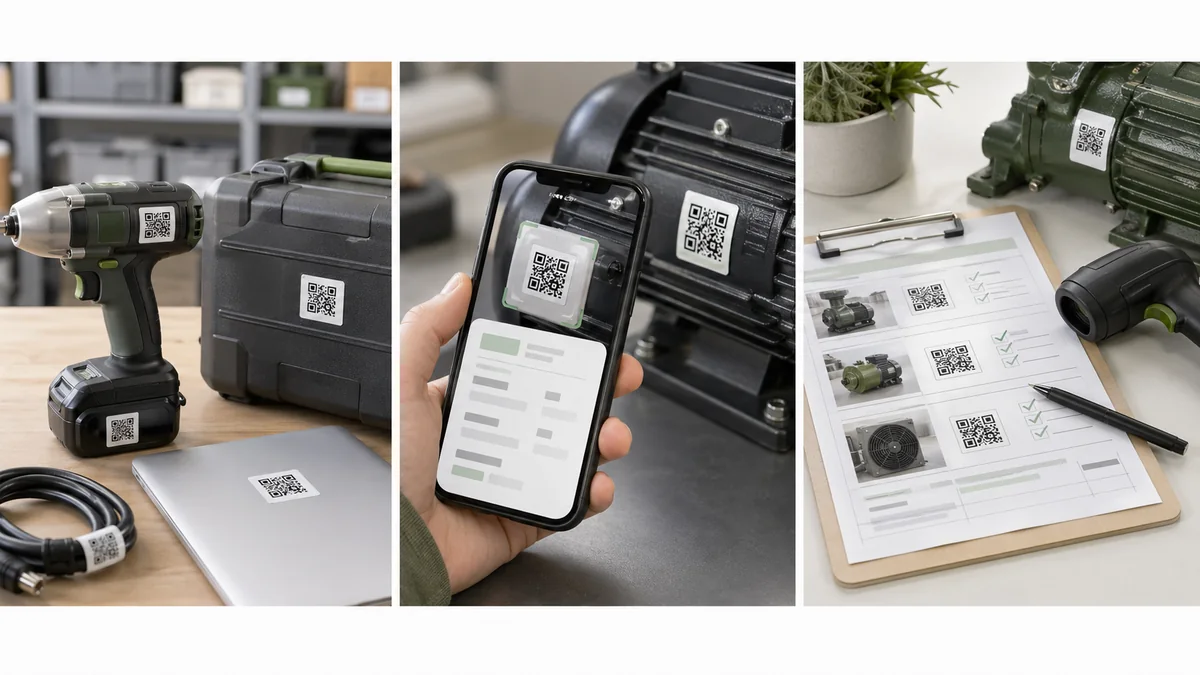
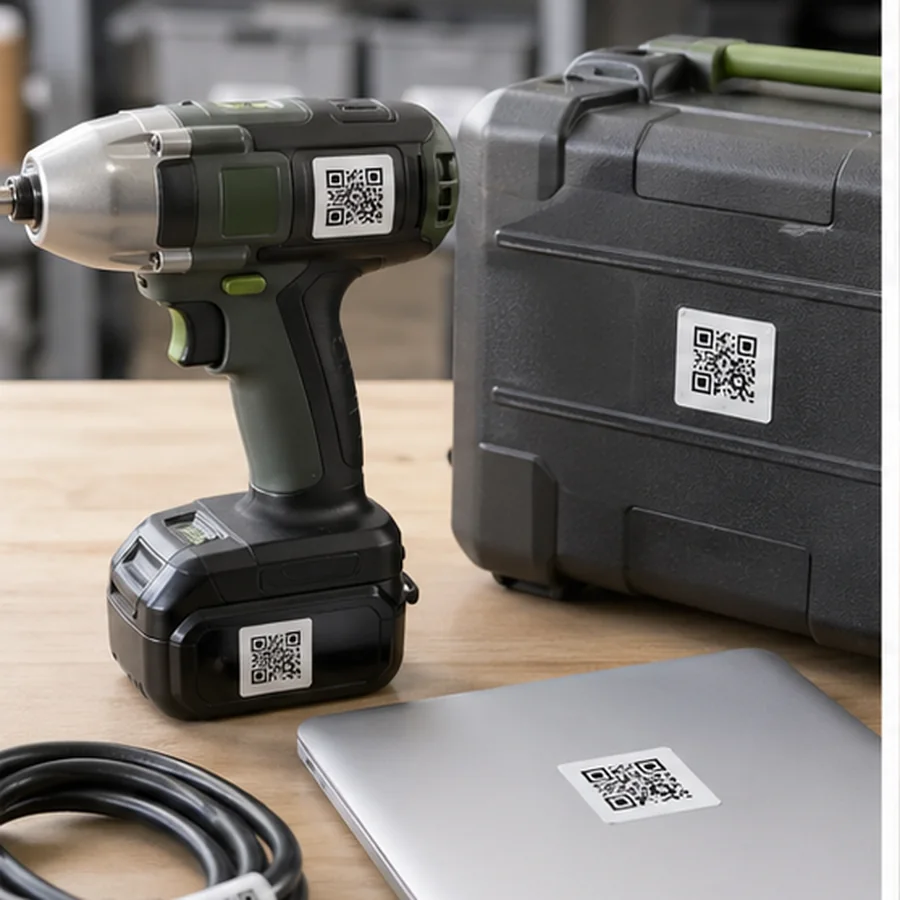
QR code labels for inventory are useful when a scan needs to open something, not just identify something. A tool label can open a maintenance record. A laptop tag can open an asset page. A shelf label can open a replenishment form. The QR code is only helpful if that destination stays stable and useful over time.
The short answer: use a QR label for URLs, asset records, maintenance logs, equipment instructions, and longer values. Keep the encoded destination stable, print a readable fallback ID, avoid private data in the code, and test the label on the real surface before a full batch.
When QR beats a 1D barcode
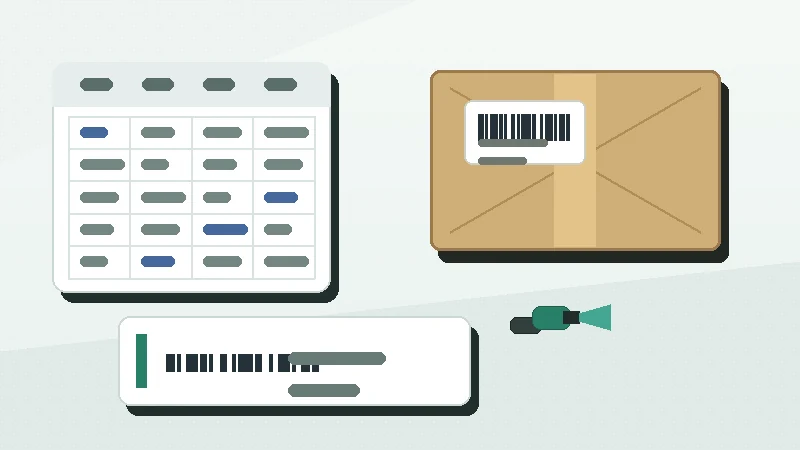
A 1D barcode is often better for short IDs scanned by warehouse or POS hardware. A QR code becomes stronger when the user may scan with a phone, when the value is a URL, or when the scan needs to bridge a physical item to a digital record. GS1 US describes QR codes as 2D barcodes frequently used to link to web information, and notes that QR codes can also carry GS1 Digital Link data for product use cases: GS1 US barcode types.
| Question | Better QR content | Why |
|---|---|---|
| Does the scan open a web record? | A stable HTTPS URL. | The record can change without reprinting the label. |
| Does the system work offline? | A short asset ID plus readable text. | The local app can look up the ID later. |
| Is the data sensitive? | A permission-protected URL or opaque ID. | Do not expose private details to anyone with a phone. |
| Will the asset move between locations? | Asset ID, not room name. | Location text changes more often than the asset. |
| Will customers scan it? | A public product or support page. | Consumer scans need a safe, maintained destination. |
Link to a record instead of encoding everything
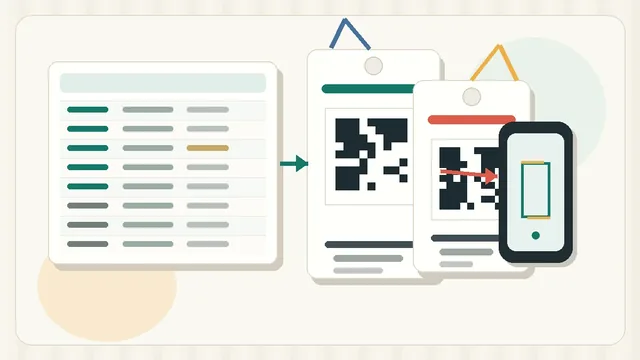
A QR code can hold more data than a linear barcode, but printing more data is not always better. Long QR values create denser patterns, which can be harder to print cleanly on small labels. For inventory, assets, and maintenance, the durable pattern is usually a stable URL or record ID that points to the current information in your system.
GS1 Digital Link uses the same principle at product scale: it web-enables a barcode by connecting product identity to online information that can be updated over time: GS1 Digital Link for brand owners. A small team does not need a full GS1 Digital Link project for internal tools, but the lesson is useful: keep the printed code stable and move changeable details into the destination record.
A QR code is easy to scan with an ordinary phone. Do not encode patient data, student data, employee personal information, door codes, passwords, private service notes, or anything that should require authentication.
Print a human-readable fallback
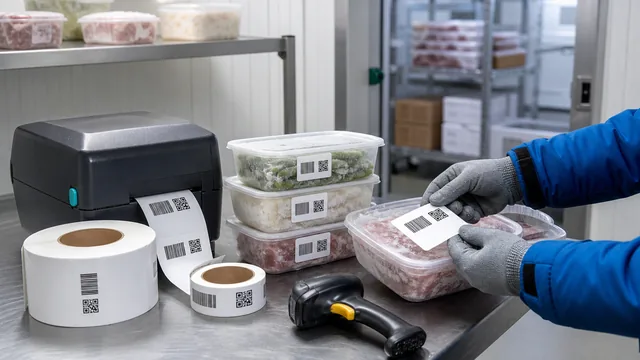
Every QR asset label should still work when the scanner is unavailable. Print a short ID such as ASSET-01842, PUMP-07, or TOOL-KIT-12 near the QR code. That readable value lets someone call support, search the asset system, write a note, or reprint a damaged label without decoding the QR symbol first.
Encode a check-in page or asset record. Print the asset ID and owner team as readable text.
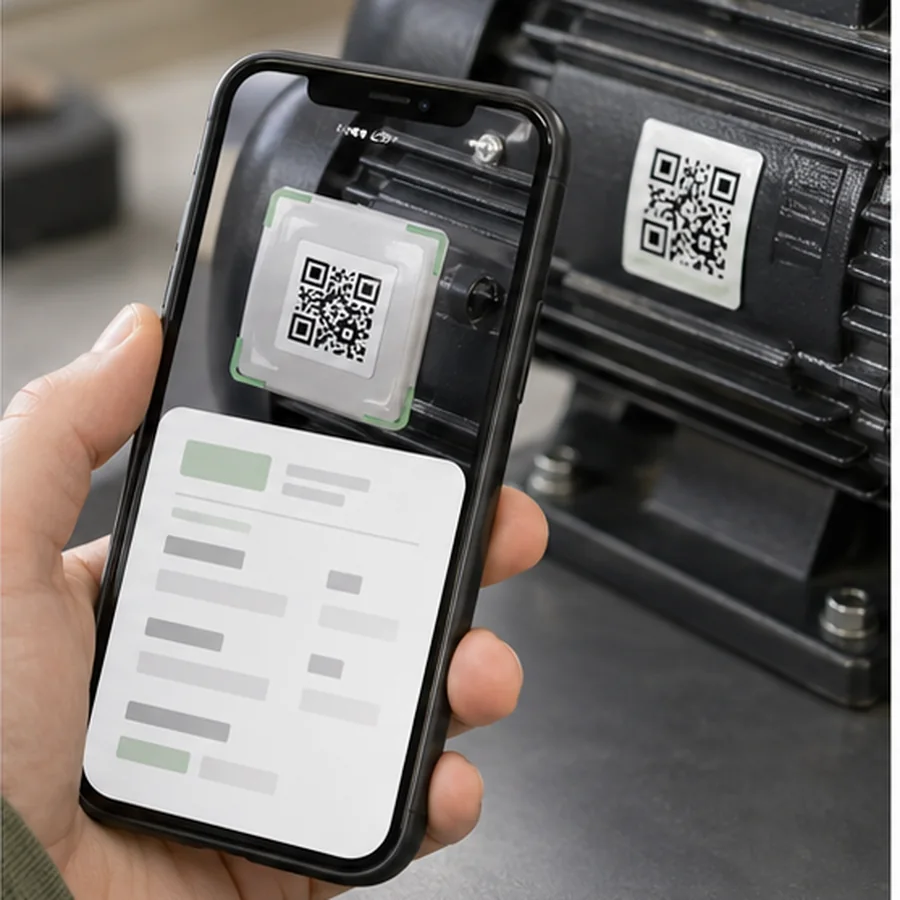
Encode the maintenance record or inspection form. Print the equipment ID and service interval if space allows.
Encode a location record or replenishment form. Print the location code in large text for pickers.
Size the QR code for print reality
QR codes need clear margin. DENSO WAVE, the company behind QR Code, explains that a QR symbol requires a four-module-wide quiet zone on all sides: QR code margin guidance. On small asset tags, that margin can take more space than expected, so reduce surrounding text before shrinking the code too far.
QR label test checklist
- doneStable destinationConfirm the URL or record ID will not change next month.
- doneReadable fallbackPrint the asset, tool, location, or equipment ID in text.
- donePermission checkScan as a normal user, not only as an admin.
- doneSurface testApply one label to the real asset, shelf, tool case, or machine.
- doneDamage testScan after handling, wiping, or normal use if the label will be touched often.
If you are comparing QR with Code 128 or retail formats, read Code 128 vs QR Code Labels. For spacing and scan reliability, use the barcode label design checklist before printing a full roll.
Choose one asset or location workflow, encode a stable URL or ID, print 3 sample QR labels in Label Codes, and test them with the phones or scanners your team actually uses.