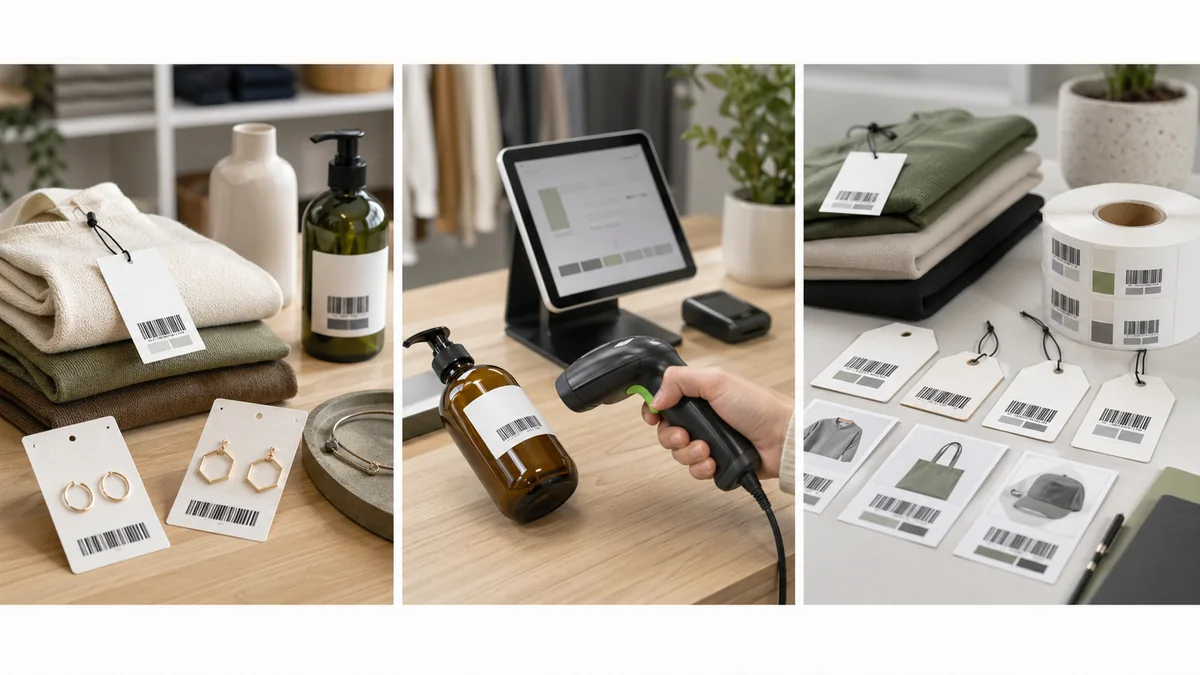
Retail barcode labels are small, but they carry a lot of operational risk. If the label points to the wrong variant, the checkout price is wrong, inventory counts drift, and staff start overriding the POS manually.
The short answer: decide whether the label needs an internal store barcode or an official UPC/EAN, keep one barcode per product variant, print only the fields shoppers and staff need, and test the label at checkout before labeling the whole shelf.
Start with the POS record
A retail label should scan into the record your POS uses for price, tax, inventory, and returns. That record may be a store-created barcode, a SKU, or a UPC/EAN. Shopify describes retail barcodes as linking products to data inside the POS or inventory system, rather than holding every product detail directly in the barcode: Shopify barcode FAQ.
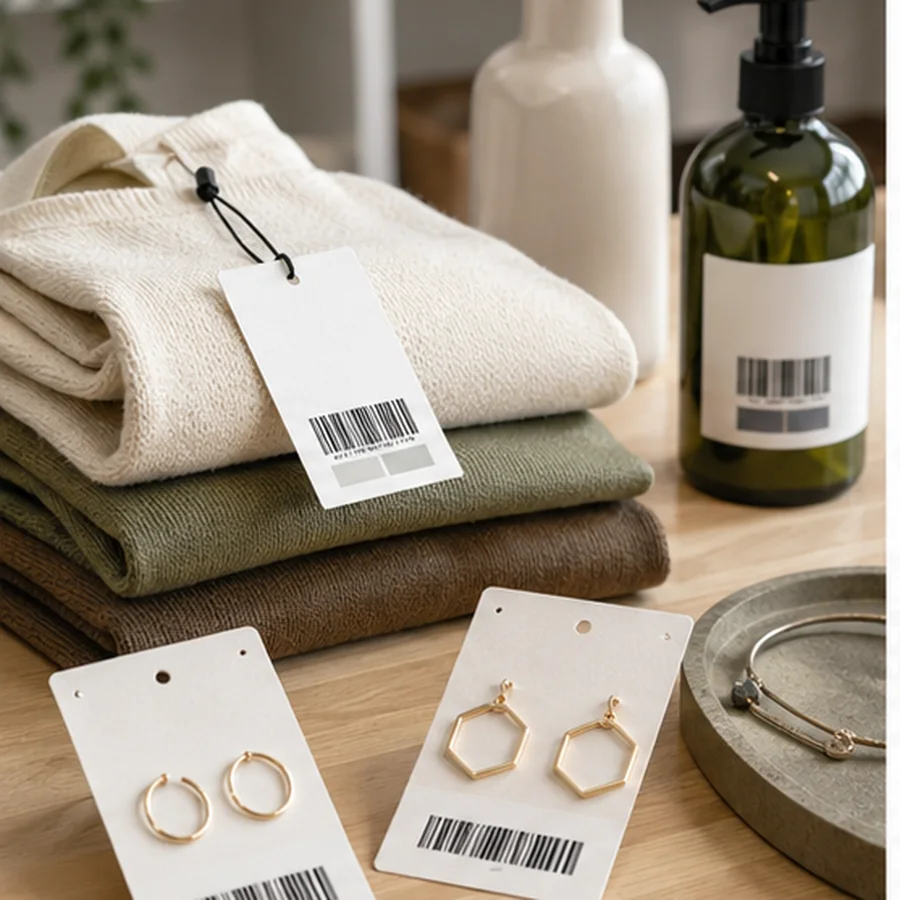
For small shops, an internal barcode can work well when the products are sold only in your own store and ecommerce system. When products will sell through wider retail, distributors, or marketplaces, confirm whether a GS1-issued GTIN, UPC, or EAN is required.
Retail label fields
| Field | Example | Why it matters |
|---|---|---|
| Barcode value | SKU-00482 or UPC | The exact value the POS must look up. |
| Product name | Ceramic mug | Helps staff and customers confirm the item. |
| Variant | Blue, 12 oz | Prevents color, size, flavor, or pack-size mixups. |
| Price | 12.99 | Useful when the label is also a shelf or product price tag. |
| Readable SKU | MUG-BLU-12 | Manual fallback when the code will not scan. |
| Date or batch | 2026-04 | Optional for price changes, batches, or seasonal labels. |
Do not confuse internal labels with UPCs
A store can create internal barcodes for its own POS, but that does not create an official retail identifier. GS1 US explains that a UPC is encoded with a GTIN and scanned at point of sale to identify the item and look up price: GS1 US guide to UPCs. GS1 US also says each variation of each product needs a unique barcode when you are licensing retail identifiers: GS1 US get a barcode.
If you sell handmade products only in your own shop, internal labels may be enough. If you sell packaged goods through major retailers, wholesale partners, or marketplaces, use the identifier process they require instead of printing a private SKU in a UPC-looking barcode.
Shopify and POS workflows
Shopify's Retail Barcode Labels app lets merchants create templates, choose label types, include selected information in the label preview, create barcodes for products or variants, and print barcode labels from product lists: Shopify Retail Barcode Labels app. Even if you use another POS, the workflow idea is the same: source the barcode from the product or variant record, not from a separate design file.
Be careful with price changes and promotions. If the price is printed on the label, the store needs a reliable way to find and replace old labels. If prices change often, a shelf tag or POS lookup may be safer than printing price on every product unit. The barcode should point to the current record even when visible price text changes.
Variant mismatch checklist
- doneOne variant, one barcodeSize, color, flavor, material, and bundle changes should not share a label by accident.
- donePrice checkScan at checkout and confirm price, tax category, and product name.
- doneReadable fallbackPrint SKU or variant text for manual lookup.
- doneOld labels removedDo not leave outdated price or barcode labels on the product.
- doneReturns testedConfirm the barcode works for exchanges and returns, not only sales.
Test at checkout
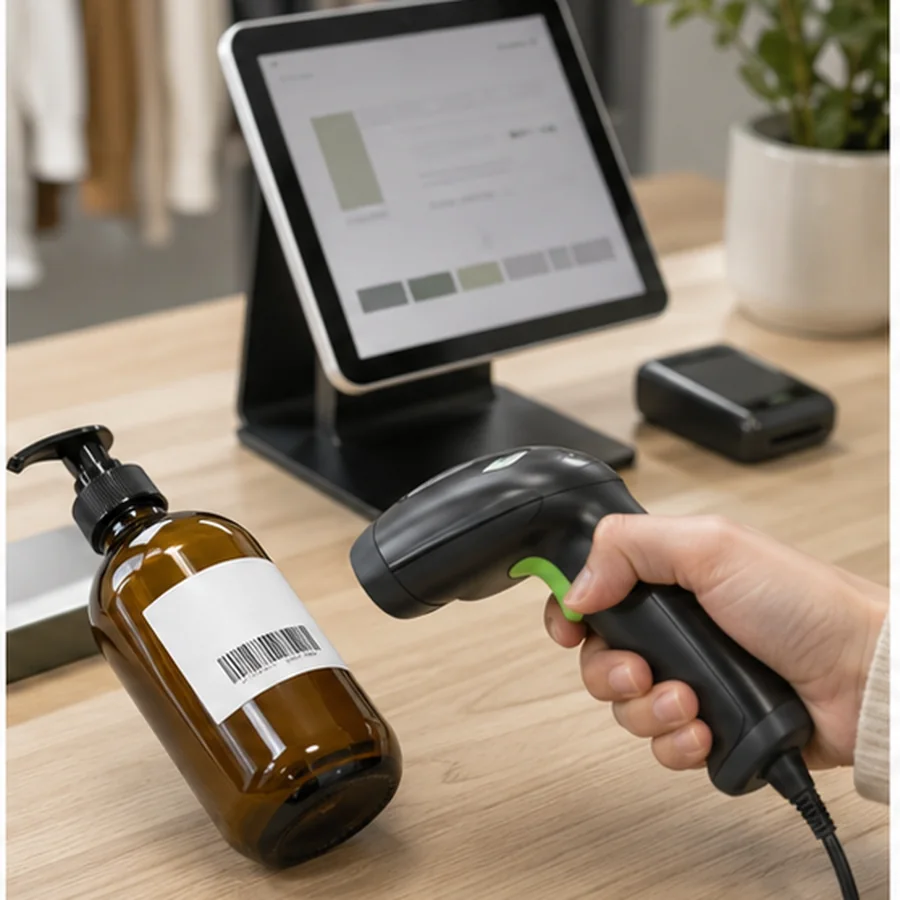
A barcode that scans in a generic phone app may still fail in the POS. Print a small batch, scan each label at the register, and verify the item, variant, price, tax, discount behavior, and inventory update. If the store uses shelf labels and product labels, test both because the scanner angle and distance may differ.
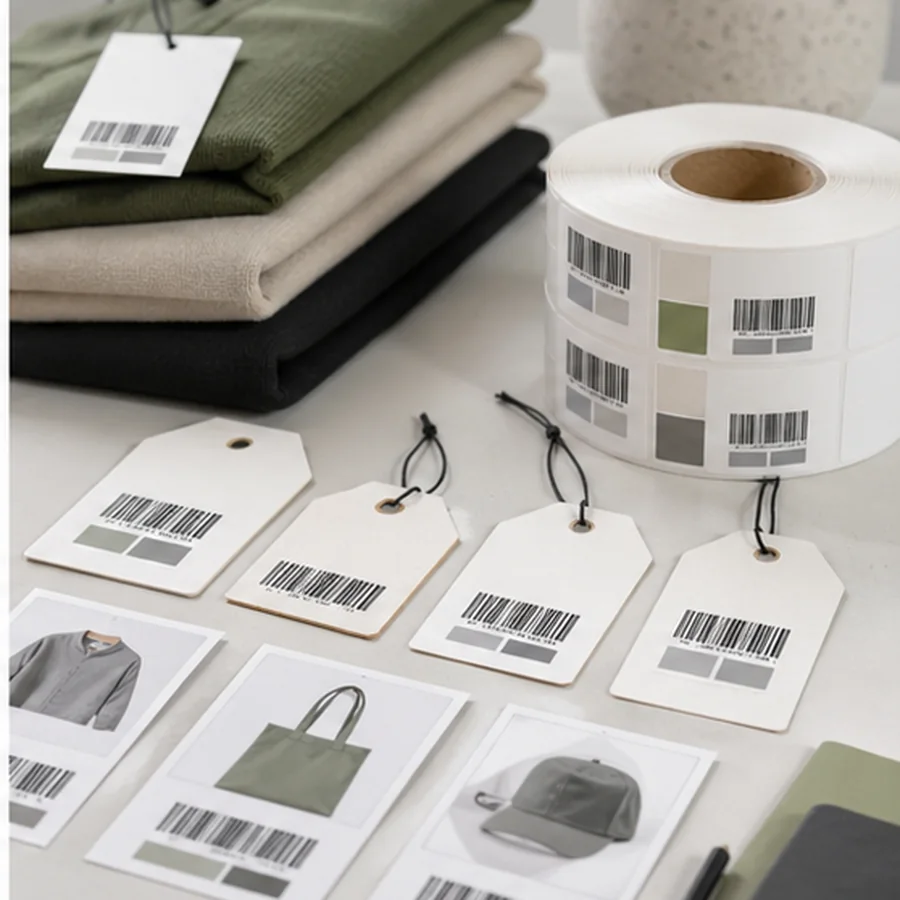
Include edge cases in that test batch. Scan sale items, tax-exempt items, bundles, weighed products, consignment items, and variants with similar names. These are the records most likely to expose weak SKU naming or barcode assignment before customers are waiting at the counter.
For code format decisions, read Code 128 vs QR Code Labels. For product-code terminology, use SKU vs UPC Barcode. For spreadsheet batches, start with How to Print Barcode Labels from Excel or CSV.
Choose 10 representative products and variants, print retail labels in Label Codes, then scan each at checkout before printing the full product set.