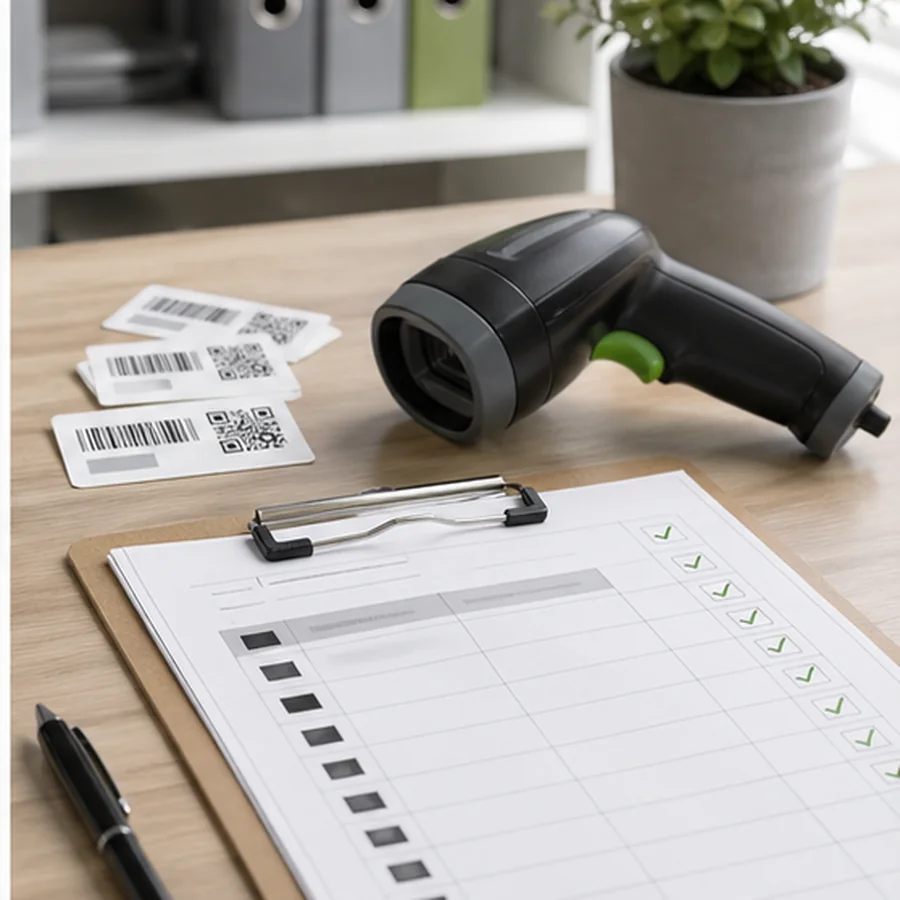
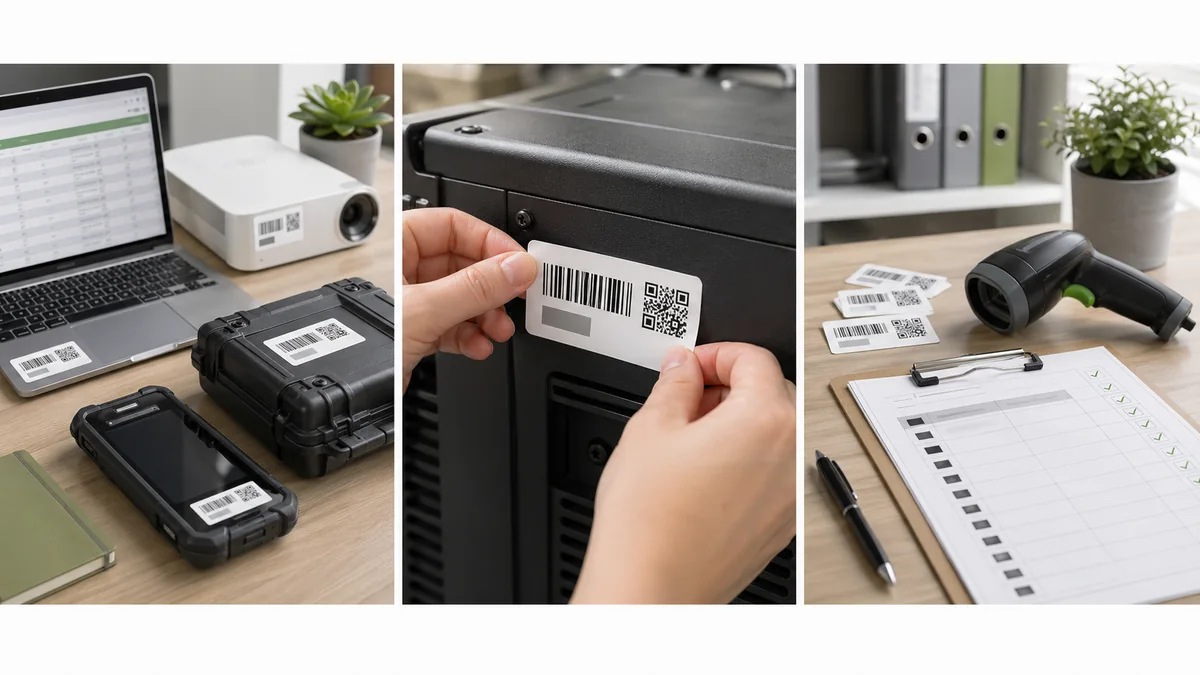
Asset tag barcode labels need to survive ordinary work. A laptop moves between rooms, a tool gets wiped down, a pump sits near heat, and a school cart gets handled by different people. The label should still identify the asset during the next audit.
The short answer: encode a stable asset ID or record URL, print the readable asset ID, add only the fields that help return or service the item, choose durable stock for the environment, and scan-test after applying the label to the actual asset.
Asset ID is not the serial number
A manufacturer serial number belongs to the manufacturer. An asset ID belongs to your organization. Use the asset ID as the main value when your audit system, spreadsheet, or maintenance database is organized around your own records. Keep the serial number in the database and print it only if it helps field checks.
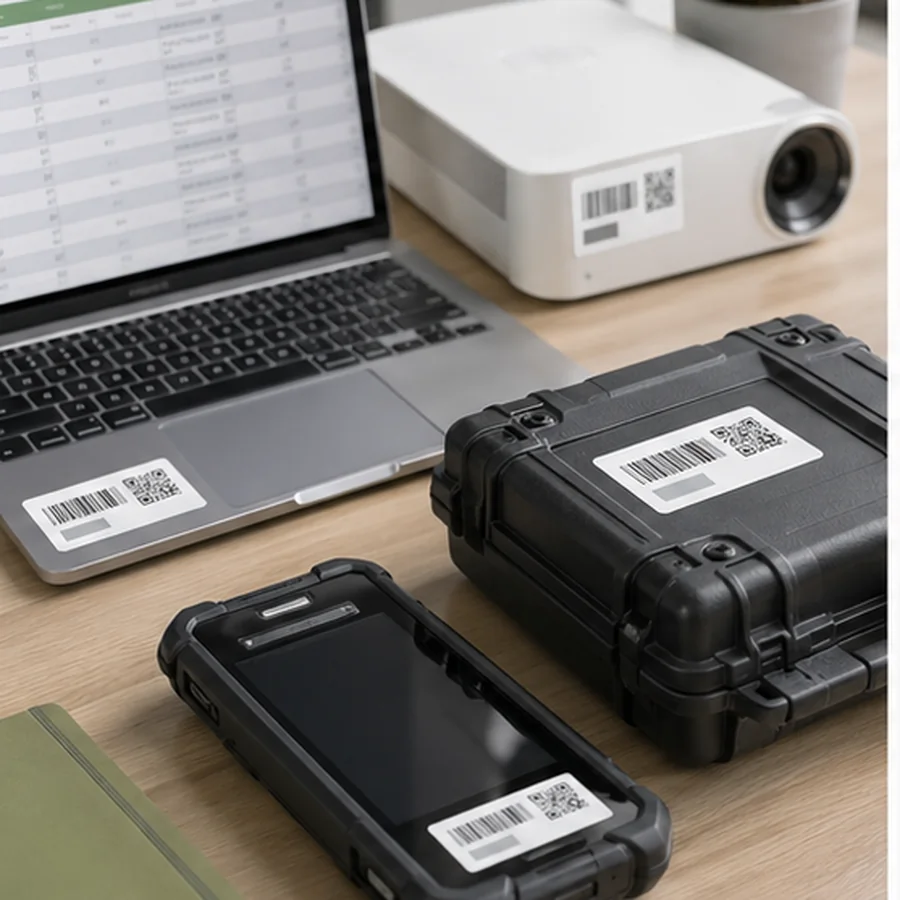
| Field | Example | Use |
|---|---|---|
| Asset ID | ASSET-01842 | Primary encoded value and readable fallback. |
| QR or barcode | ASSET-01842 or record URL | Scans into asset, audit, or maintenance system. |
| Organization | North Clinic | Helps return misplaced assets. |
| Support contact | [email protected] | Useful for laptops, carts, and shared equipment. |
| Location or owner | Lab 2 | Optional, because it may change. |
| Do not overprint | Private notes | Keep sensitive details in the system, not on the tag. |
Choose barcode or QR for the scan job
Use a 1D barcode such as Code 128 when the asset ID is short and the audit tool expects a simple scan. Use a QR code when a phone should open an asset record, maintenance form, instruction page, or support URL. If the QR code opens a private system, test it as a normal user with the same permissions the field team will have.
For QR planning, see QR Code Labels for Inventory and Asset Records. For exact-value spreadsheets, use Barcode Label Data Cleanup so asset IDs such as 000842 do not lose leading zeroes.
Choose stock for the asset environment
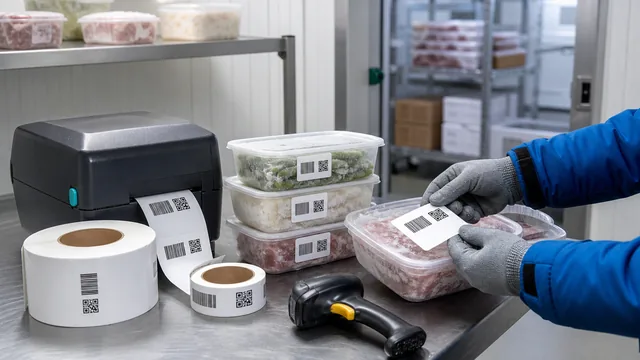
Paper labels may be acceptable for low-touch office assets. Tools, equipment, carts, medical devices, cold storage, and outdoor assets usually need tougher stock and stronger adhesive. Zebra lists thermal transfer applications such as permanent identification, asset tagging, inventory identification, lab specimens, cold storage, freezers, and outdoor applications: Zebra thermal printing overview.
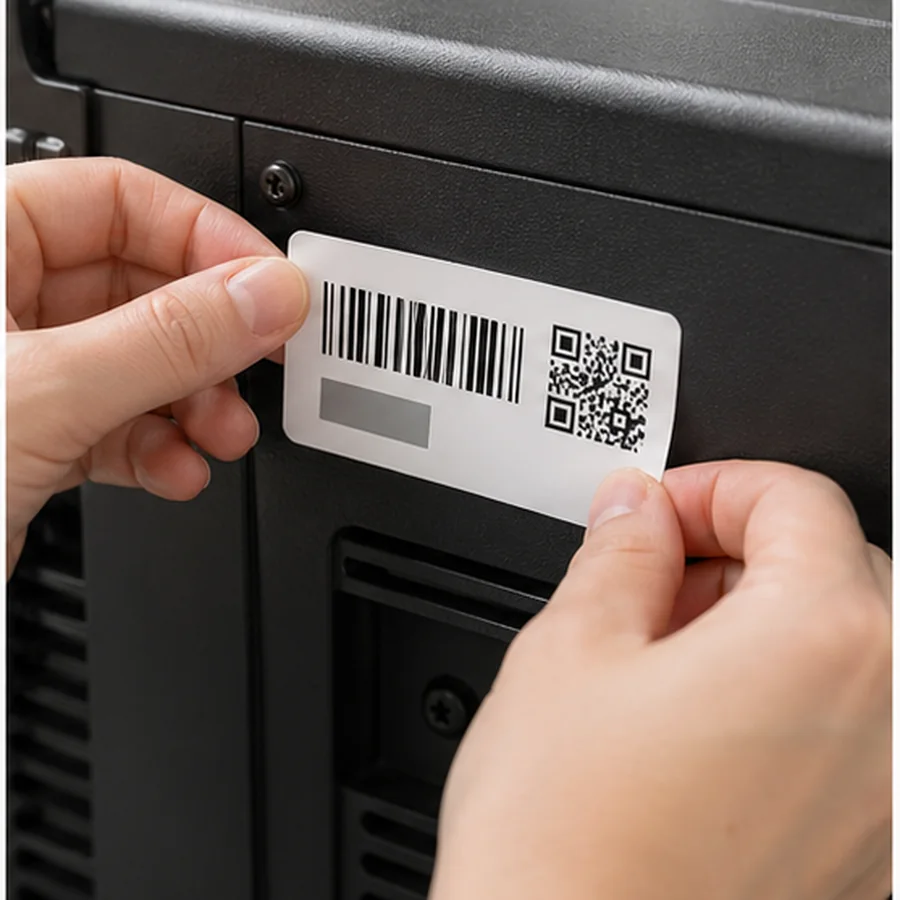
Do not judge durability from the unused label. Apply one tag to the real surface, let it sit through normal handling, wipe it if it will be cleaned, and scan it again. A label that looks fine on the roll may fail on textured plastic, metal, curved handles, or powder-coated surfaces.
Plan for ownership changes too. If the department, room, or assigned employee is printed in large permanent text, the label becomes stale when the asset moves. Put stable identity on the tag and keep changeable ownership, location, warranty, and maintenance details in the asset record whenever possible.
Asset tag test checklist
- doneStable IDConfirm the asset ID will not change when owner or location changes.
- doneReadable textPrint the ID large enough for manual lookup.
- doneScan distanceTest at the distance used during audits.
- doneSurface fitAvoid curves, seams, heat vents, grips, and high-wear edges.
- doneReplacement planKeep a source file so damaged labels can be recreated exactly.
For ordinary internal tracking, an asset tag can use your own asset ID. For regulated medical devices sold or distributed in the United States, FDA UDI rules may apply. FDA says device labelers generally must include a UDI on device labels and packages and provide it in plain-text and machine-readable AIDC form: FDA UDI basics. Verify regulatory requirements before labeling medical devices.
Run the audit test
Print 10 representative asset tags and run a miniature audit. Scan a laptop, a tool, a cart, a shelf asset, and any item with a difficult surface. Check whether the scanner opens the right record, whether the readable ID is large enough, and whether staff know what to do when the scan fails.
Use that mini-audit to find missing data before the full rollout. If half the assets have no owner, no location, or duplicate IDs, pause the label project and fix the register. Printing clean labels over a messy asset list only makes the problem harder to see.
If durability is uncertain, compare Direct Thermal vs Thermal Transfer Labels before buying stock.
Create a small asset spreadsheet with AssetID, Name, Owner, and SupportContact, print 10 samples in Label Codes, and run a real mini-audit.