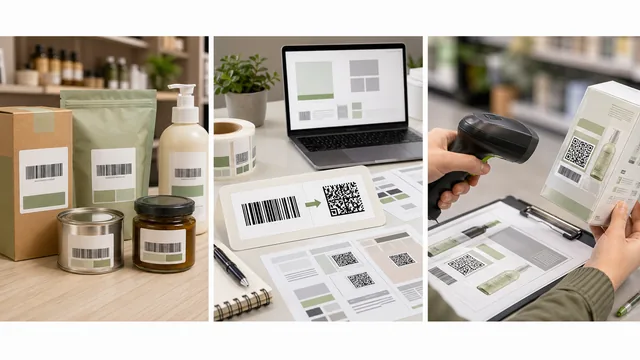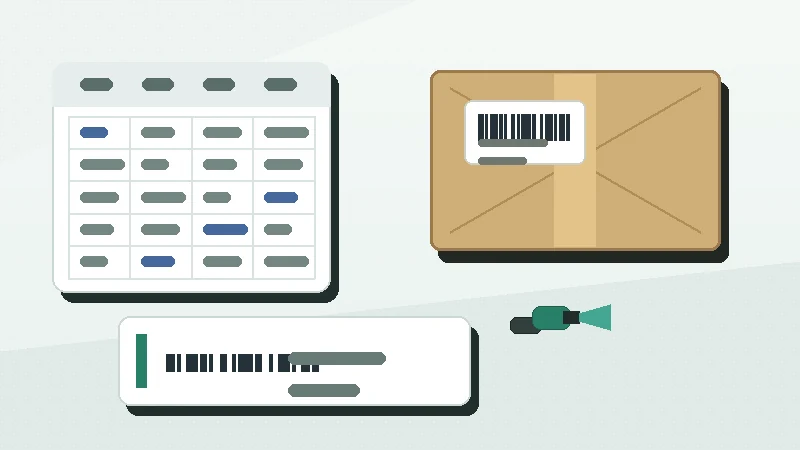
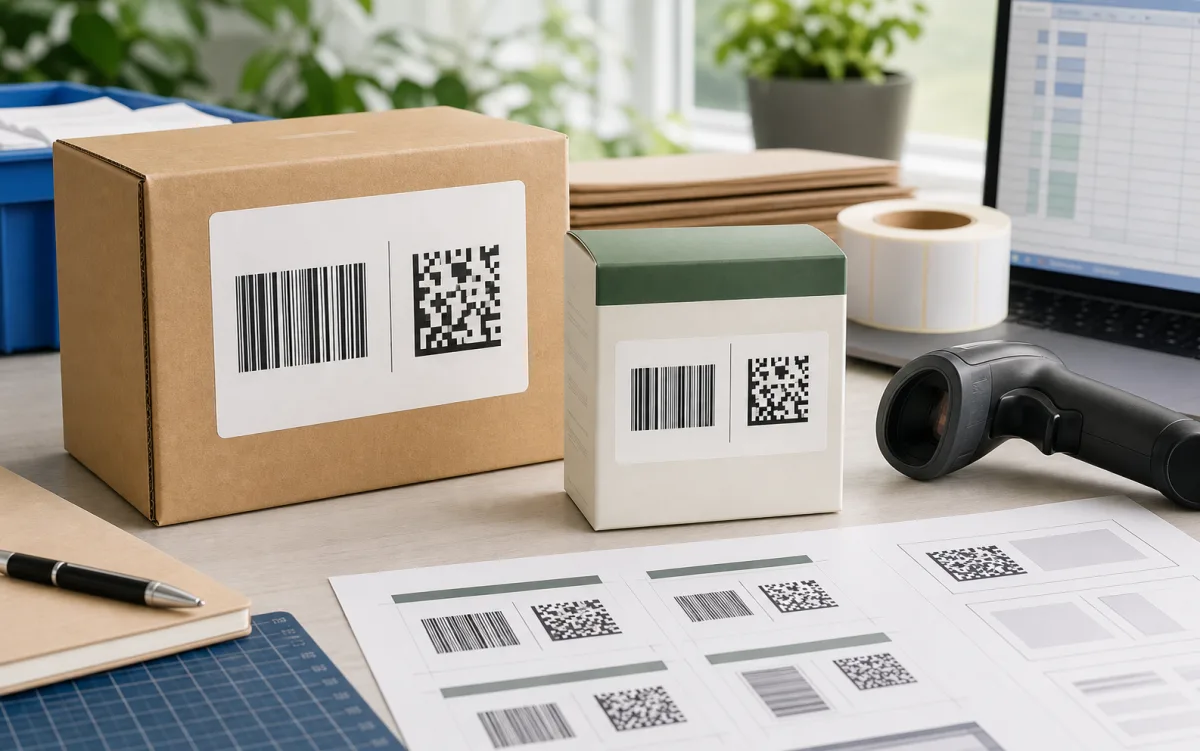
A product label can scan perfectly in one workflow and still fail in another if the barcode carrier is wrong. GS1 1D vs GS1 2D is not a design style decision. It is a question about where the product will be scanned, what data the receiving system expects, and whether the scanner and software can process that data.
The short answer: use the GS1 barcode your retail, marketplace, distributor, or internal system requires today. Plan for 2D when you need more data, consumer-facing product information, or GS1 Digital Link, but do not remove a working UPC or EAN until the receiving channel confirms that its scanners and POS systems are ready.
What changes between 1D and 2D
GS1 US explains that barcode choice depends on what information must be in the barcode, where it will be scanned, and whether regulations apply: GS1 US barcode types. That is the useful way to compare 1D and 2D for product labels.
| Question | GS1 1D barcode | GS1 2D barcode |
|---|---|---|
| Typical shape | Horizontal bars and spaces. | Square or rectangular modules, often GS1 DataMatrix, Data Matrix, or QR Code. |
| Common retail role | Encode the GTIN for checkout in EAN or UPC workflows. | Encode the GTIN plus extra data, or a GS1 Digital Link URI when supported. |
| Data capacity | Best for a compact product identifier. | Better for richer data such as lot, expiry, serial, or web-linked information. |
| Scanner requirement | Works with many traditional retail and laser scanning workflows. | Needs image-capable scanners and software that can parse the chosen GS1 syntax. |
| Main label risk | Too little quiet zone, poor print contrast, or the wrong GTIN. | Too-small modules, damaged quiet zone, unsupported syntax, or unreadable POS data. |
When GS1 1D is still the right choice
A GS1 1D barcode is often the right choice when the label must support a known checkout or trading partner workflow. GS1 US describes UPC-A as a linear, 1D barcode made up of 12 digits and used to help identify a product and its manufacturer: UPC-A in GS1 US barcode types. For many small brands, that means the current EAN or UPC is still the label that matters most at POS.
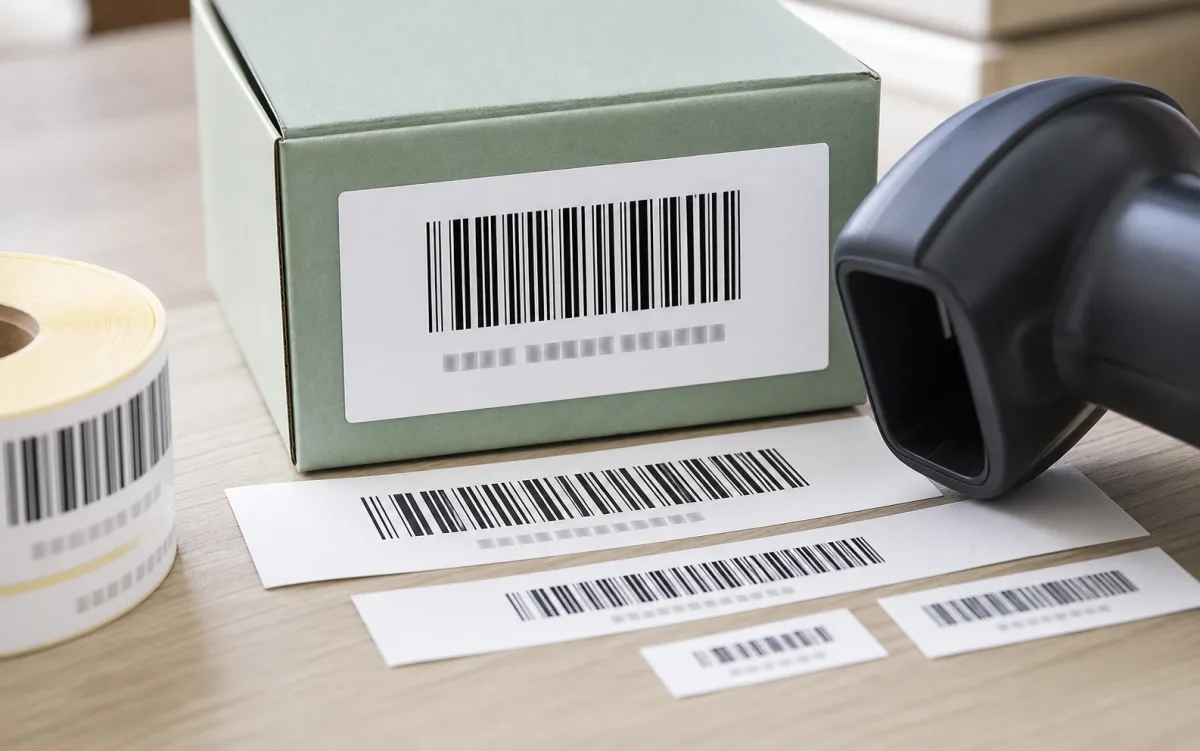
The work is not finished once the right 1D symbol is selected. The barcode still needs enough width, enough height, strong contrast, readable human text, and quiet space around the code. A UPC or EAN that is squeezed too close to a package edge can fail even when the GTIN itself is correct.
What GS1 2D adds
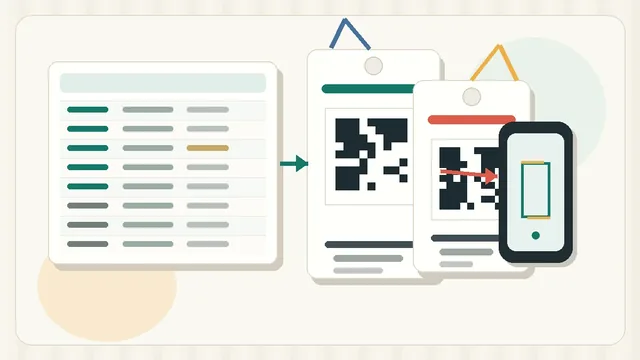
A GS1 2D barcode can carry more than the basic product identifier. GS1's retail POS guideline lists GS1 DataMatrix, Data Matrix, and QR Code options for 2D retail use, depending on the syntax and use case: GS1 2D retail POS guideline. A 2D carrier may include a GTIN plus additional data, or it may carry a GS1 Digital Link URI.
GS1 Digital Link is not just any QR code. The GS1 Digital Link URI Syntax standard represents GS1 identification keys in web addresses so a scan can link to online information and services: GS1 Digital Link standard. That can support product pages, ingredient information, recycling details, or other controlled product information when the data and resolver setup are planned correctly.
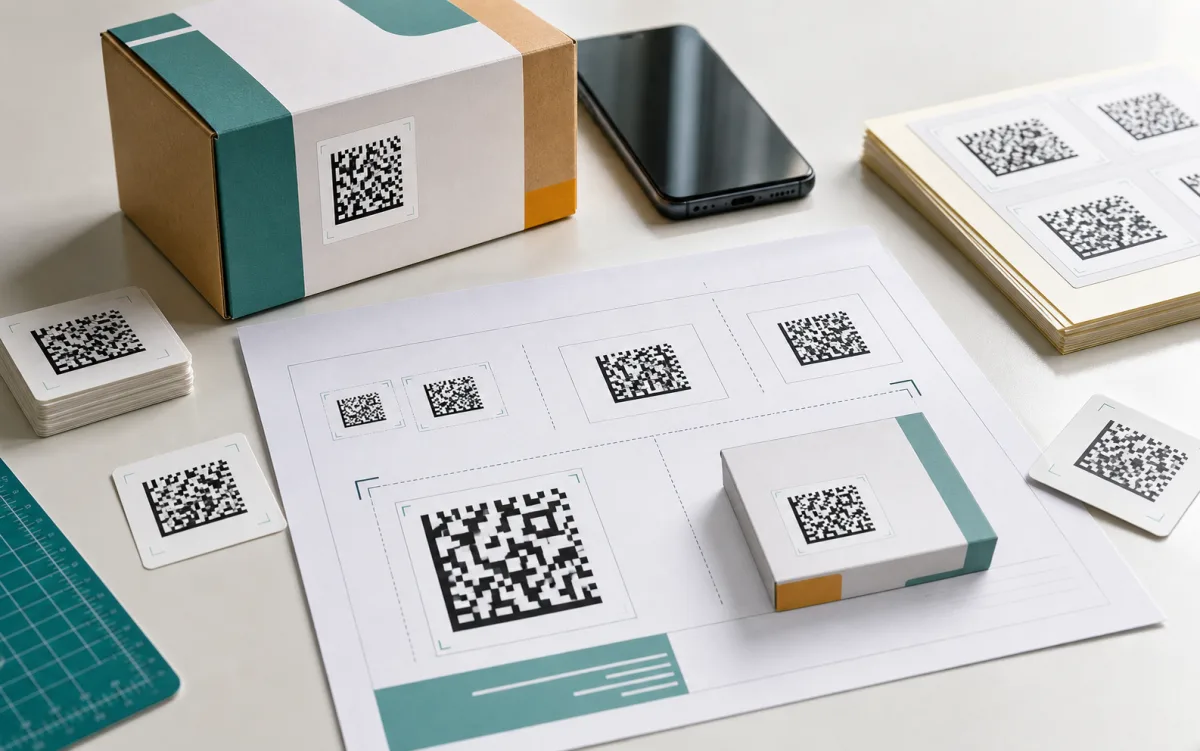
More capacity does not make 2D automatic. A QR Code that opens a marketing page is not automatically a GS1 Digital Link label. A GS1 DataMatrix that encodes lot or expiry data is only useful if the receiving system knows how to read and store those values. The barcode carrier, encoded data, scanner, POS software, and business rule all need to line up.
The transition is dual marking, not a cliff
As of May 1, 2026, the safest practical reading of Sunrise 2027 is readiness, not instant replacement. GS1's retail POS guideline says the initial goal is for POS scanning to be globally capable of reading and processing the GTIN from both existing linear and 2D barcodes by the end of 2027. The same guideline describes coexistence and dual marking during transition: 2D barcodes at retail POS.
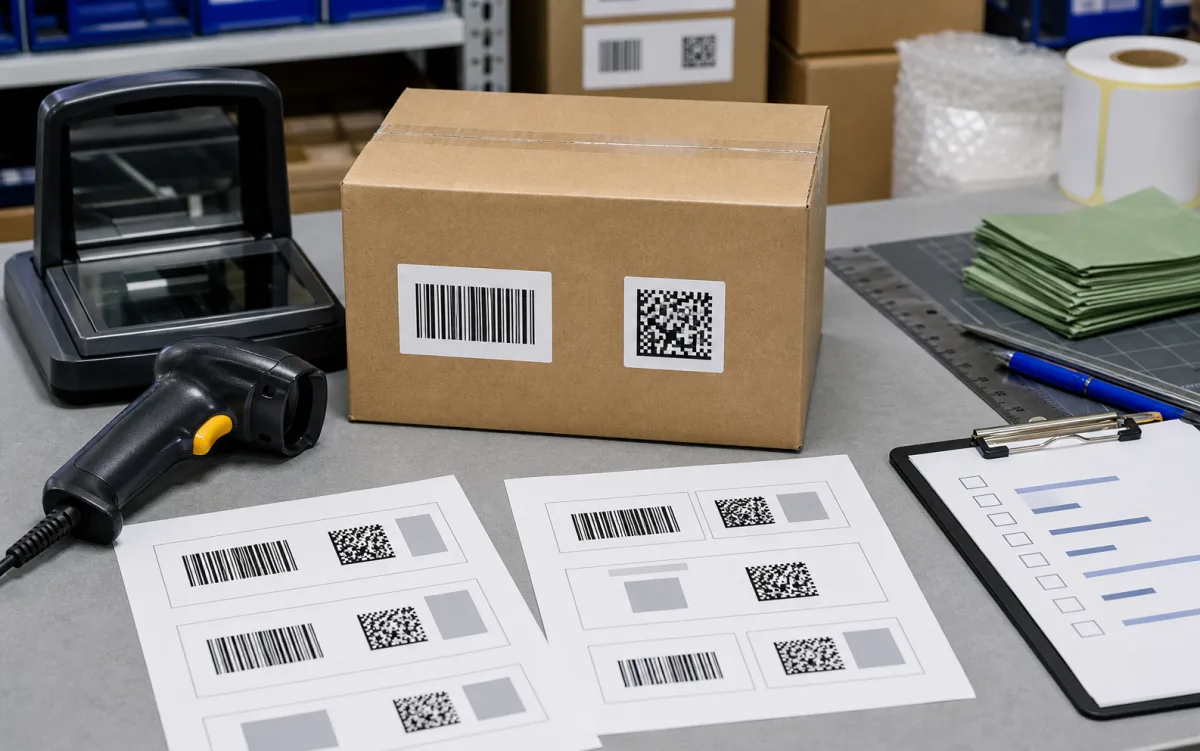
If a retailer, marketplace, distributor, or POS provider still requires a UPC or EAN, keep it. Add and test 2D only when the receiving workflow can read the carrier, extract the GTIN, and process any additional data.
Choose from the scan workflow
Start with the barcode carrier the retailer accepts at POS. In many channels, that is still the current EAN or UPC.
Consider GS1 2D when the scan should connect a product to richer online information through GS1 Digital Link.
Use 2D only after confirming exactly which identifiers, application identifiers, lot values, expiry dates, or serial values the receiving system expects.
Print and scan checks
2D labels have their own print risks. GS1's guideline notes that the quiet zone is the empty margin around all four sides of a 2D barcode, and that QR Code needs a larger quiet zone than Data Matrix for the same module size: GS1 2D quiet zone guidance. That matters when packaging space is tight.
Before changing product label artwork
- doneRequired carrierConfirm whether the channel expects EAN, UPC, GS1 DataMatrix, Data Matrix, or QR Code with GS1 Digital Link.
- doneEncoded valueConfirm the GTIN and any lot, expiry, serial, or URL data from the owning system.
- doneScanner typeCheck whether the real scanner is laser-only, image-capable, or phone-based.
- donePOS parsingVerify that software extracts the GTIN and handles any extra data correctly.
- doneQuiet zoneLeave empty space around the code, not artwork, borders, folds, seams, or package edges.
- donePrint proofTest the final size, contrast, label stock, and printer settings before production.
For the broader transition, read GS1 Digital Link and Sunrise 2027 for Labels. For non-GS1 format choices, use Code 128 vs QR Code Labels. For physical spacing, check Barcode Quiet Zone and Label Size.
List each product's current GTIN, current barcode carrier, retail or marketplace requirement, available package space, and scanner environment before adding 2D to the label.