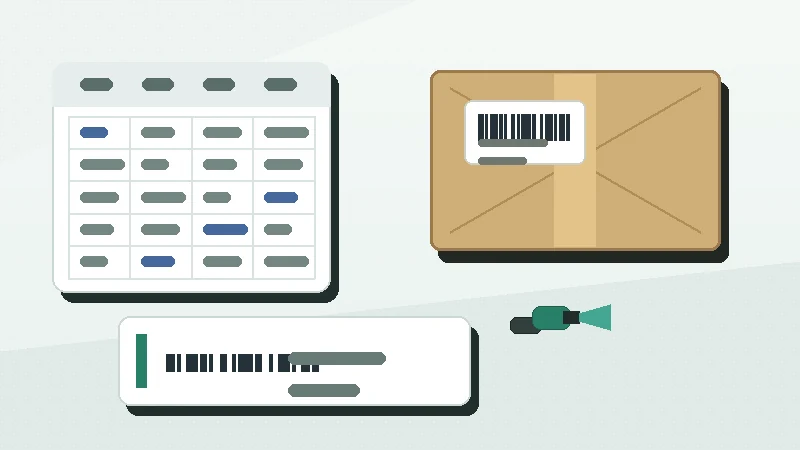
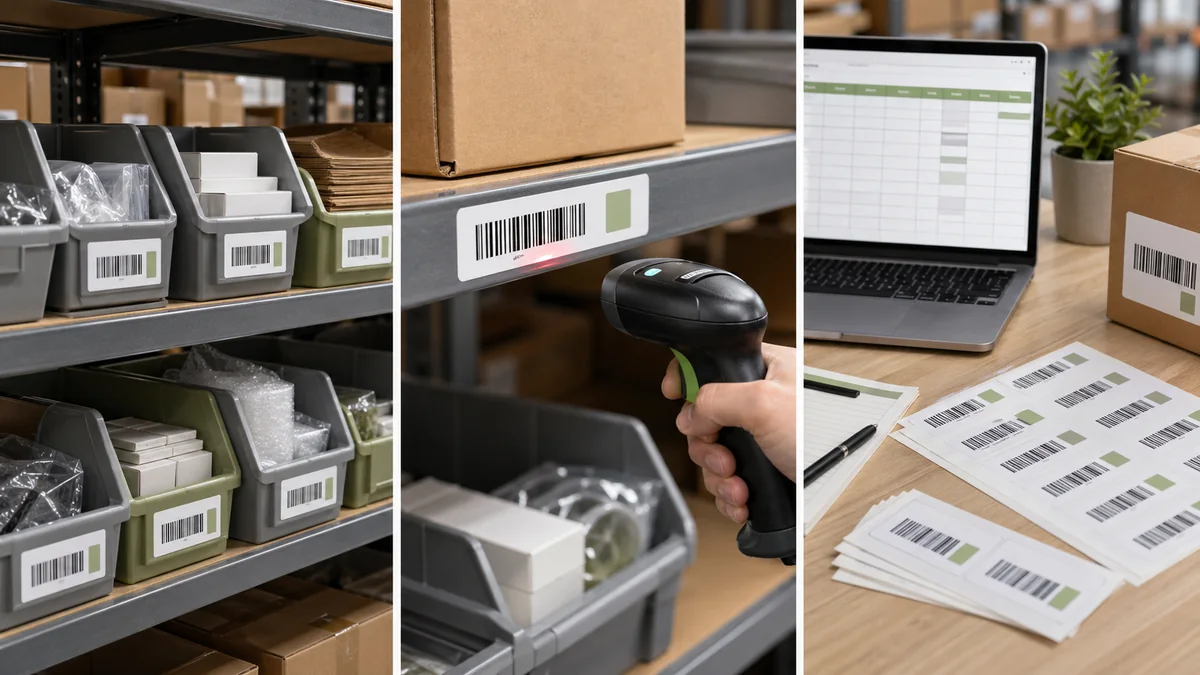
Warehouse bin location labels solve a different problem than product labels. A product label identifies the item. A bin label identifies where the item belongs. If those two ideas get mixed, pickers scan the wrong thing, inventory counts drift, and the system stops matching the floor.
The short answer: create a simple location naming system, assign one code to each physical bin or shelf position, print large readable text plus a barcode or QR code, place labels consistently, and test the system with real pickers before expanding it.
Start with location naming
A good warehouse location ID is short, predictable, and physically meaningful. It should help someone walk to the right place even without a scanner. Do not use product names as location codes because products move. The location remains.
| Part | Example | Meaning |
|---|---|---|
| Zone | A | Area, room, aisle group, or storage zone. |
| Aisle | 03 | Aisle or rack run. |
| Bay | 02 | Bay, rack section, or vertical frame. |
| Level | B | Shelf level from floor to top. |
| Position | 04 | Bin or slot within the shelf. |
| Full code | A-03-02-B-04 | One physical storage location. |
One location equals one code
Do not reuse one code for a whole rack if the system needs bin-level inventory. Do not print different codes for the same physical slot unless the WMS or spreadsheet understands that relationship. The rule should be boring: one scannable location label equals one location record.
Shopify's retail barcode guide notes that stockroom shelving locations can have barcodes that link locations to products for visibility and organization: Shopify barcode FAQ. Even without a full WMS, the same concept works in a spreadsheet or lightweight inventory tool.
Choose barcode or QR
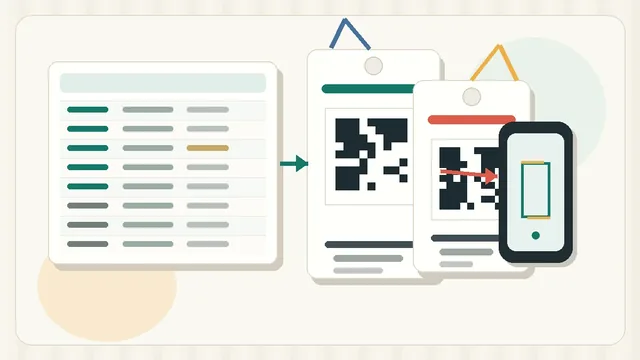
For most small warehouse bin labels, Code 128 is a practical default because it can encode compact alphanumeric location IDs such as A-03-02-B-04. QR codes make sense when phone scanning should open a location page, replenishment form, or audit record. GS1 US explains that barcode type depends on the information, scan environment, and requirements: GS1 US barcode types.
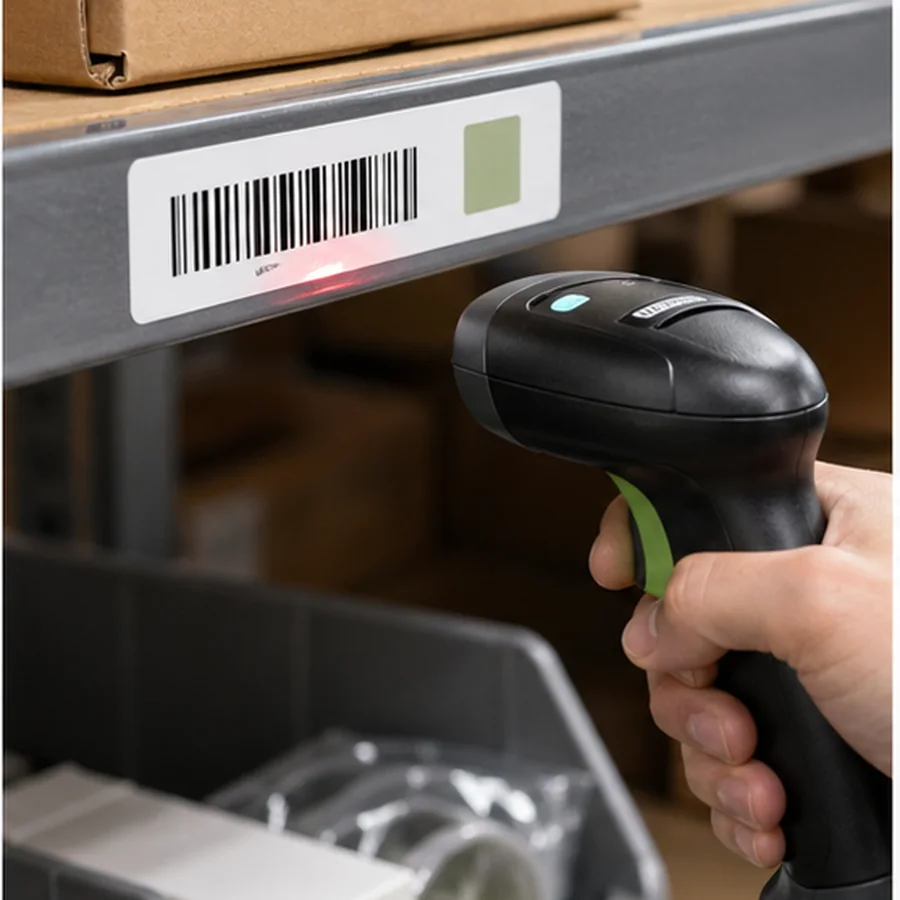
Do not mix code types randomly by aisle. Pick a default, document it, and make exceptions only when the workflow needs them. A consistent scan pattern matters more than visual variety.
Warehouse label checklist
- doneReadable location IDPrint the code large enough to read from normal picking distance.
- doneScannable codeUse the barcode or QR format supported by your scanning workflow.
- doneDirectional placementPut labels in a consistent position on every shelf or bin.
- doneNo product namesKeep product details out of the location code.
- doneReplacement planKeep the source spreadsheet so damaged labels can be reprinted exactly.
Place labels for the picker
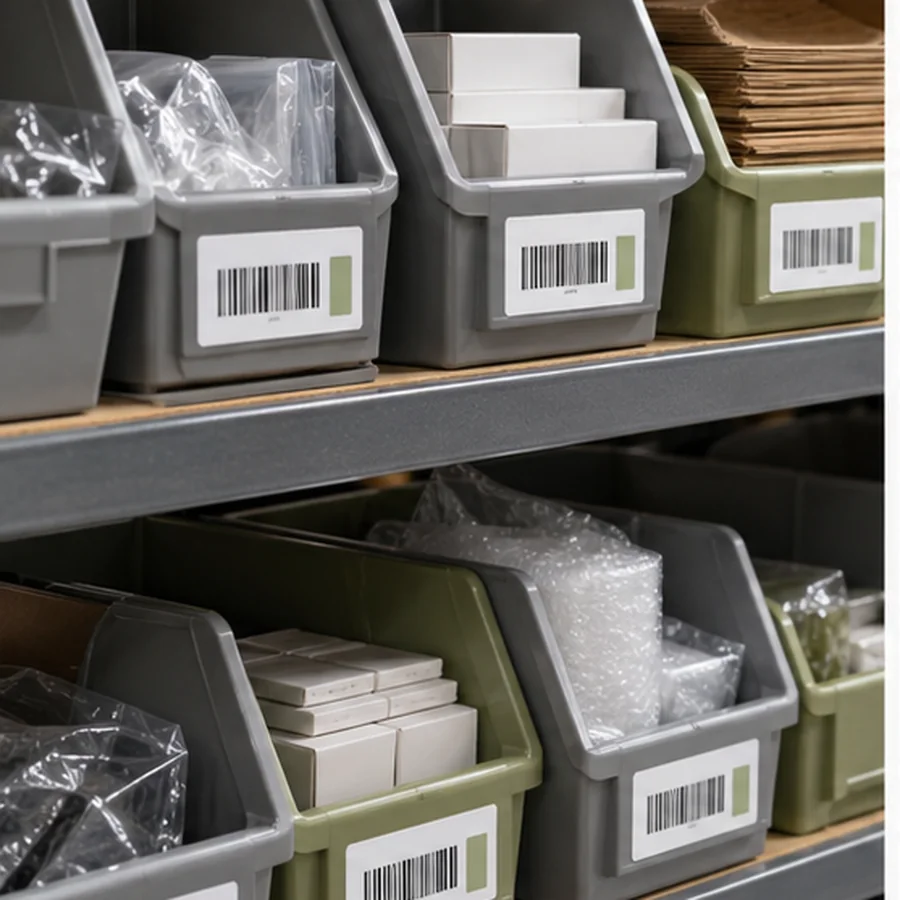
A beautiful bin label is not helpful if it is hidden by cartons, placed below the scan angle, or applied to a dirty edge. Walk the aisle with the scanner in hand. Check whether the label is readable when the shelf is full, when someone is carrying a tote, and when lighting is worse than expected.
Use larger signs for navigation and smaller labels for exact scan points. Aisle-end signs help people find A-03, while bin labels identify A-03-02-B-04. Mixing those jobs onto one tiny label makes both worse. Let wayfinding signs guide movement and barcode labels confirm the exact location.
- Use the same edge, side, or face for every bin in a zone.
- Keep labels away from surfaces that get scraped by boxes.
- Avoid glossy glare when overhead lights hit the label.
- Use larger text for high racks or long aisles.
- Mark dead zones, overflow areas, and temporary staging locations differently.
Field test before rollout
Print one aisle or one zone first. Ask pickers, receivers, and the person who fixes inventory errors to use the labels for a few real tasks. Watch where they hesitate. If they read the code incorrectly, scan the product instead of the bin, or cannot reach the label, fix the system before printing the rest.

Keep an exception list during that pilot. Overflow, damaged rack positions, locked cages, high shelves, and shared staging zones often need slightly different label placement. Solving those exceptions early keeps the final system consistent instead of forcing handwritten patches later.
Use How to Print Barcode Labels from Excel or CSV to build the batch from a location spreadsheet. Review Code 128 vs QR Code Labels and Barcode Quiet Zone and Label Size if the location codes are long or the label stock is small.
Create a 20-location spreadsheet, print one test zone in Label Codes, and let the warehouse team use it for real picks before printing every rack.